
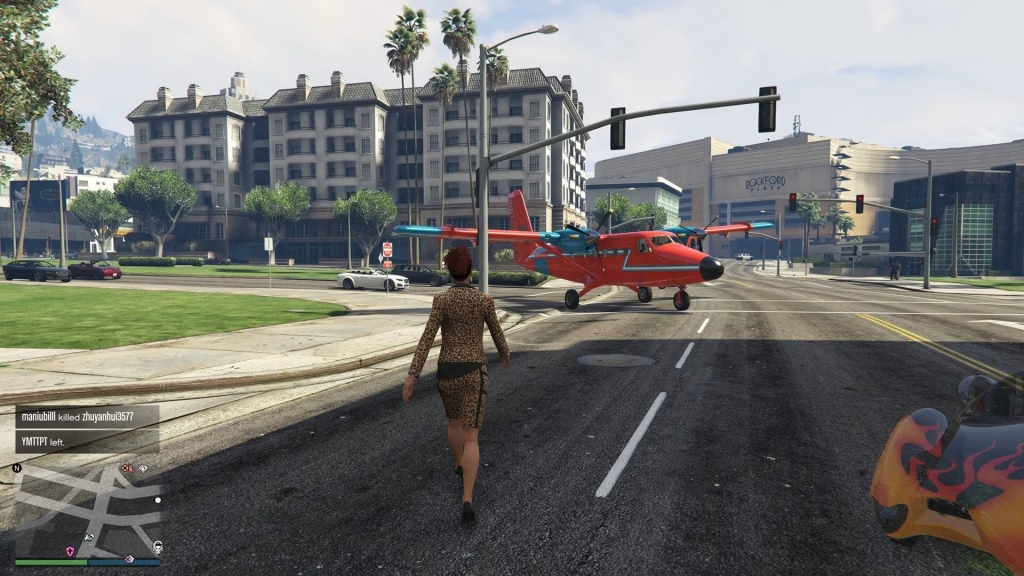
Rockstar’s revolutionary Mission Creator has transformed GTA Online into a user-generated content powerhouse. Thousands of creative players are now building custom heists, stealth operations, and story-driven experiences—but finding these hidden gems requires knowing where to look. Here’s your complete roadmap to accessing the best community missions.
Table of Contents
GTA Access Summary
| Method | Steps Required | Time to Access |
|---|---|---|
| Rockstar Website Bookmark | 4 steps | 3-5 minutes |
| In-Game Pause Menu | 3 steps | 1 minute |
| Requirements | Inter-Knot Lv. 5 + Tutorial | ~30 minutes (new players) |
| Update Required | A Safehouse in the Hills | December 2024+ |
Method 1: Browse & Bookmark via Rockstar Website (Best for Discovery)
This is the most powerful method for exploring the newest and most popular player-created content:
Step 1: Visit the official Rockstar Games website and log in with your Social Club credentials
Step 2: Navigate to the GTA Online section, then click the “Jobs” dropdown menu and select “Jobs”
Step 3: Use the filter tool (top-right corner) to refine your search:
- Job Type: Select “Missions”
- Creation Date: Choose “Last Month” for fresh content
- Sort By: Try “Most Popular” or “Highest Rated”
Step 4: Click any mission that catches your eye and hit “Bookmark Job”—this saves it to your in-game library
Pro Tip: Bookmark 5-10 missions at once so you always have variety when logging into GTA Online. Check the creator’s profile to find entire mission series!

Method 2: Access Bookmarked Missions In-Game (Fastest)
Once you’ve bookmarked missions through the website, accessing them in GTA Online is instant:
- Open Pause Menu (ESC on PC / Options on console)
- Navigate to Online Tab → Jobs → Bookmarked Jobs
- Select any mission and choose “Start” or “Join”
Your bookmarked missions appear here immediately—no searching required. You can launch them solo or invite friends through the standard job invite system.
Method 3: Explore Featured Creator Content (Official Picks)
Rockstar periodically highlights exceptional player-created missions in the Creator Content section:
- Open Pause Menu → Online → Jobs
- Select “Play Job → Rockstar Created → Mission Creator Content”
- Browse Rockstar’s curated selection of top community missions
This method guarantees quality since Rockstar only features polished, innovative missions. It’s perfect if you want tried-and-tested experiences without sifting through hundreds of listings.
What Makes Mission Creator Revolutionary?
The Mission Creator isn’t just about creating random objectives—it enables sophisticated storytelling. Players can design custom cutscenes, branching objectives, stealth sections, multiple choice dialogues, and interior customization across Los Santos’ buildings.
According to the official Rockstar Newswire, this feature represents a major step toward user-generated content ecosystems similar to Fortnite Creative and Roblox, with more updates planned for 2025.
Early community missions already showcase incredible creativity: infiltration missions with cinematic intros, multi-stage heists with fail states, and narrative-driven experiences rivaling official Rockstar content.
Common Issues & Quick Fixes
Issue: Bookmarked missions not appearing in-game
Fix: Close GTA Online completely and relaunch—bookmarks sync when you load into a session
Issue: “Cannot start mission” error
Fix: Ensure you meet rank requirements; some player missions have minimum level restrictions
Issue: Empty Bookmarked Jobs folder
Fix: You haven’t bookmarked any missions yet—visit the Rockstar website first
For additional troubleshooting and mission creation tutorials, check the GTA Wiki Mission Creator page maintained by the community.
Frequently Asked Questions
Do I need to buy anything to play player-created missions?
No! Playing community missions is completely free—you only need to complete the basic GTA Online tutorial and reach Inter-Knot Level 5 through normal gameplay.
Can I earn money and RP from player-created missions?
Yes, most player-created missions reward standard GTA$ and Reputation Points upon completion, making them viable for progression alongside official Rockstar content.




