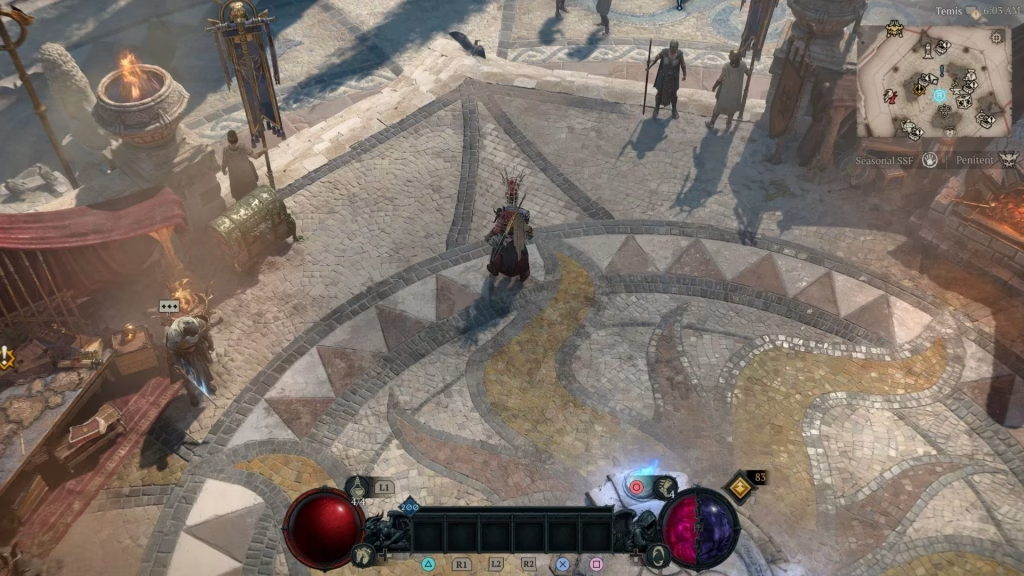
Diablo 4 players, if you’ve been struggling to sync War Plans with your friends, you’re not alone.
The War Plans system in Season 6 is one of the most important new features for efficient Helltide farming and boss preparation. Syncing them in a party allows everyone to share progress, maximize rewards, and tackle high-tier Infernal Hordes together. However, many players miss the exact steps and end up wasting time.
Here’s the simplest, most up-to-date method that actually works.
Table of Contents
How to Sync War Plans in a Party – Step-by-Step
| Step | Action | Important Notes |
|---|---|---|
| 1 | Form or join a party | All members must be in the same Helltide region |
| 2 | Have the party leader open the War Plans menu | Press the designated hotkey (default: “P”) |
| 3 | Select “Sync War Plans” option | Everyone in the party must accept the prompt |
| 4 | Confirm synchronization | Progress will now be shared across the group |
| 5 | Start killing monsters together | Shared progress applies to all Infernal Commodities |
The key is that only the party leader can initiate the sync. Once accepted by all members, the War Plans become linked for that session. This is especially useful when farming for Malignant Hearts, Infernal Sparks, or preparing for the new Lords of Infernal Hordes bosses.
This mechanic ties directly into efficient endgame farming. If you’re running Helltides regularly, syncing War Plans can dramatically speed up your progress. For the best results, we recommend pairing this with the strategies in our Diablo 4 Season 6 Helltide Guide and Best Diablo 4 Builds for Season 6.
For more on the long-running action RPG series, visit the Diablo IV page on Wikipedia.
Conclusion
Syncing War Plans in Diablo 4 is surprisingly simple once you know the exact steps. It’s one of those small quality-of-life features that makes partying up actually feel rewarding instead of frustrating. Whether you’re running with friends or a public group, taking 10 seconds to sync can save you hours of inefficient farming. Master this now — your Season 6 journey will be much smoother.
Pro tip: Always let the most experienced player lead the party so they can handle the sync quickly.
❓ FAQs
Q: How do you sync War Plans in a party in Diablo 4?
A: The party leader must open the War Plans menu (default hotkey “P”), select “Sync War Plans,” and have all members accept the prompt. Progress then becomes shared for the session.
Q: Why should I sync War Plans with my party in Season 6?
A: Syncing allows everyone to share Infernal Commodities and progress toward Helltide rewards and bosses, making group farming significantly faster and more efficient.