
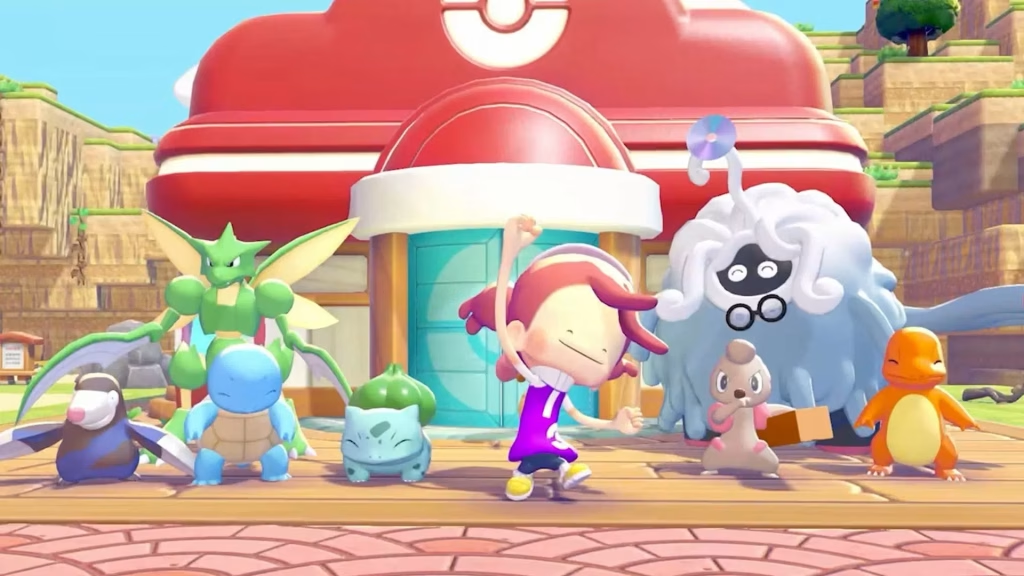
Pokémon Pokopia is one of the most charming games on Nintendo Switch 2 — but its building system can feel overwhelming fast. Irregular houses that the game doesn’t recognise, structures that won’t register as homes, and Pokémon refusing to move in can all grind your progress to a halt. Here’s how to fix all of it.
Table of Contents
Building in Pokémon Pokopia — Key Rules to Know
| Rule | Detail |
|---|---|
| Max interior size | No larger than 10 blocks in any direction |
| Safest layout shape | Rectangle or square — avoid angles/irregular shapes |
| Minimum house | 2×2 space carved into natural terrain + door + required furniture |
| Shared environments | Multiple Pokémon can share one natural terrain space |
| Prefab option | Yes — modular/prefabricated houses are available as an alternative |
| Item collection shortcut | Hold Y → Ditto’s inhale ability gathers nearby items instantly |
| Habitat Dex | Press + → check undiscovered Pokémon per habitat type |
The Core Building Tricks That Save Hours
Keep Every House Under 10 Blocks
This is the single most important rule. Houses generally work best when the interior is no larger than 10 blocks in any direction — structures that exceed this size may not register properly as homes. Staying compact also means you fit more houses into a single town zone.
Rectangles and Squares Only
Pokémon Pokopia struggles with irregular shapes or angled corners, so rectangles and squares are the safest layouts. Keeping designs simple ensures the game consistently recognises them as valid homes — saving you the frustration of building something elaborate that silently fails to count.
Use Minimal Housing When You’re Stuck
You don’t always need a full structure. Players can create temporary housing by fulfilling minimal requirements such as building a small 2×2 space into natural terrain, adding a door, and placing the required furniture. This is perfect when you’re resource-limited or just trying to hit a Habitat requirement quickly.
Shared Environments Are Your Best Friend
You don’t need a separate house for every single Pokémon. By understanding how the game recognises houses and how space can be used efficiently, even basic structures can support multiple Pokémon if designed correctly. Stack compatible species into shared natural-terrain environments to dramatically expand your town capacity.
Use Ditto’s Inhale for Item Gathering
Instead of picking up items one by one, press and hold the Y Button and use Ditto’s inhale ability to gather them all up in one go. This single tip cuts material-gathering time in half across every area.
For full town-building walkthroughs, Pokémon Center rebuild guides, and Habitat Dex completion tips, visit TechnoSports Entertainment.
Two Approaches to Building — Which Is Right for You?
Pokémon Pokopia offers two building philosophies: prefabricated/modular houses (quick, reliable, great for completionists) and freeform custom construction (creative, expressive, better for players who enjoy the building process itself). Both are equally valid — but if your Pokémon aren’t moving in, switching to modular housing instantly resolves 90% of recognition issues.
Check out habitat-specific building guides and progression tips at TechnoSports.
FAQs
Q: Why aren’t Pokémon moving into my houses in Pokémon Pokopia?
The most common cause is house size — interiors over 10 blocks often fail to register, and irregular or angled shapes are not reliably recognised. Rebuild with a square or rectangle layout under 10 blocks and add the required furniture to fix it.
Q: Is there a quick way to collect building materials faster in Pokémon Pokopia?
Yes — hold the Y Button to activate Ditto’s inhale ability, which gathers all nearby items simultaneously instead of picking them up one by one, dramatically cutting down material-farming time.




