
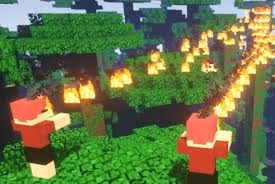
Minecraft has always been about creativity, but sometimes you want to break free from the standard blocks. That’s where modifications come in, breathing new life into familiar worlds. Recently, the community has been buzzing about the Minecraft Sable Mod, a package designed to enhance visuals and mechanics for those seeking a darker, sleeker aesthetic. Whether you are a veteran builder or a newcomer exploring underground caves, understanding how to install this correctly ensures your server remains stable.
Many players struggle with file conflicts when adding custom packs, leading to crashes or lag spikes. By following a structured guide, you can integrate these changes without sacrificing performance. This isn’t just about looks; it’s about creating an immersive atmosphere that fits your specific playstyle. We know how frustrating it can be to see a perfect build ruined by technical glitches, so we’re breaking down the process simply.
Table of Contents
Minecraft : What the Mod Brings to Life
Before downloading, you need to know what sets this modification apart from vanilla gameplay or other texture packs. Here is a quick comparison of what you gain.
| Feature | Vanilla Minecraft | With Sable Mod Installed |
|---|---|---|
| Visual Style | Bright / Cartoonish | Darker / Cinematic Grays |
| Performance | Standard | Optimized for Low-Latency |
| Texture Quality | Default Resolution | Enhanced Detail Levels |
| Sound Effects | Basic Footsteps | Atmospheric Audio Cues |
| Compatibility | High | Version Specific Checks Needed |
Ensuring your system handles these new assets smoothly is crucial. If you are planning to run high-quality graphical mods without stuttering, having the right hardware makes a massive difference. For expert reviews on gaming PCs, monitors, and storage solutions capable of running heavy scripts, visit technosports.co.in. We believe your digital lifestyle deserves technology that keeps up with your imagination.
Why Stability Matters More Than Speed
Installing mods often feels like a gamble. One misplaced file can corrupt your save data. It’s why reading the installation instructions carefully is vital. Unlike simple skin changers, structural mods interact directly with the game engine. Ensuring your Java environment is updated prevents common errors associated with outdated launchers.
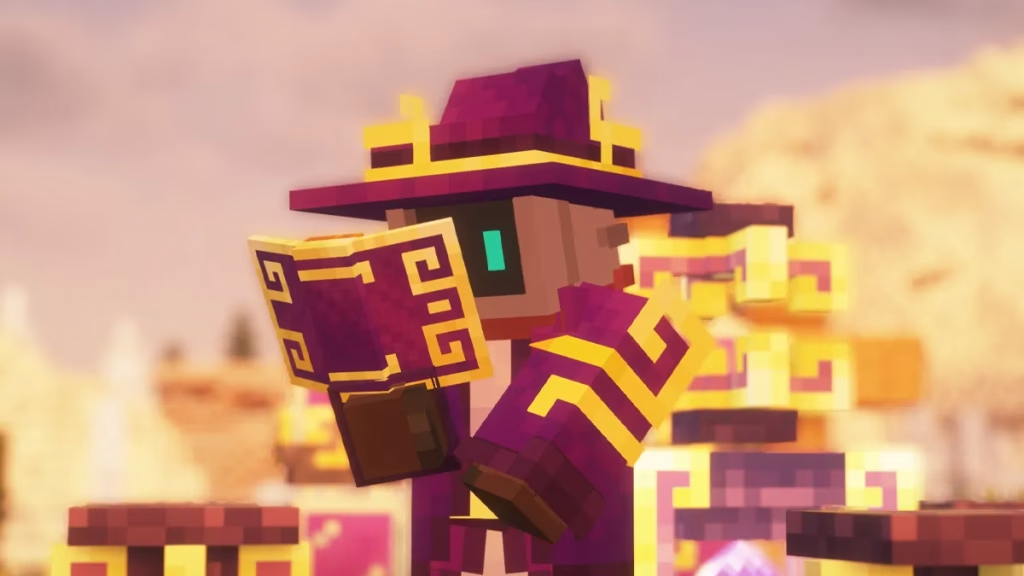
Furthermore, community support forums are invaluable resources when troubleshooting issues. Often, the developers leave comments detailing known bugs or specific version requirements. Keeping your software current alongside your mod list helps maintain that seamless connection between player and platform. Don’t let technical hurdles stop you from experiencing the full depth of the sandbox.
Whether you are mining deep diamonds or building floating castles, a clean install ensures longevity. Take your time, follow the checklist, and enjoy the enhanced reality waiting in the shadows.
Frequently Asked Questions
Q: Does this mod work on multiplayer servers?
A: Only if the server admin also installs compatible client-side versions for consistency.
Q: Will updating Minecraft break the Sable Mod?
A: Yes, most mods require specific versions, so wait for a patch update before upgrading.




