
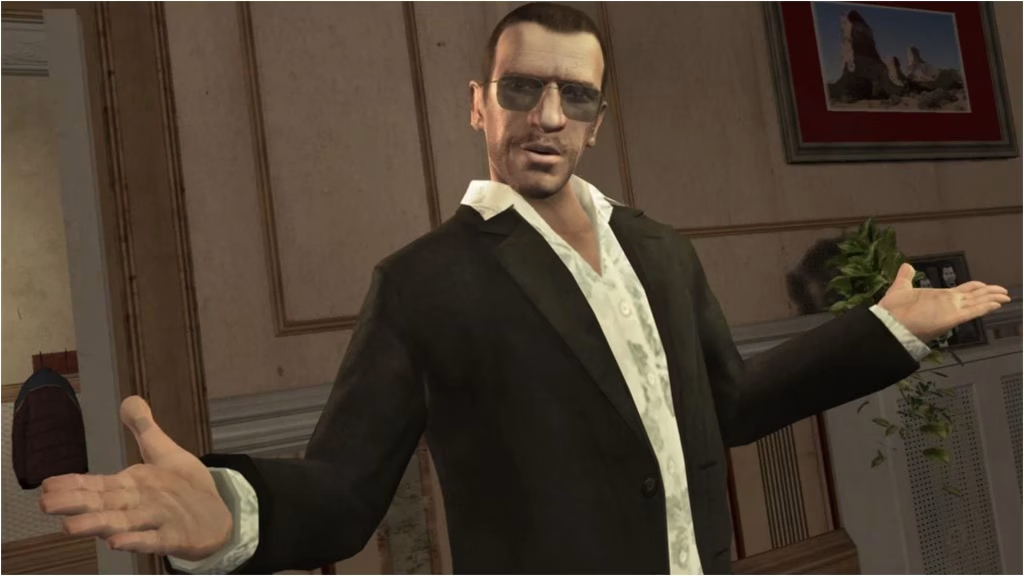
Nearly two decades on, Liberty City still has fans, and the modding community keeps polishing it. The latest proof is Fusion Fix 5.1 for GTA IV: The Complete Edition on PC. It’s less about flashy visuals and more about the small annoyances you’ve probably grumbled about for years.
If you’re returning to Grand Theft Auto IV, here’s what’s new.
Table of Contents
What’s New in GTA IV?
| Feature | What It Does |
|---|---|
| Quick Save (phone) | Save your game anywhere from Niko’s in-game phone |
| Auto Climb Ladders | Climb automatically when you get close enough |
| Stunt Jump Camera toggle | Turn off the cinematic camera and slow motion during stunt jumps |
| Independent sensitivity sliders | Separate aim and look-around controls for mouse and gamepad |
| Ragdoll toggle while jumping | GTA V-style option, per community coverage |
| PS3 gamma option | Another visual preference choice, per community coverage |
| High-FPS fixes | Better animations, sprite drawing, scripted controls and missions |
The Features Worth Your Attention
Quick Save is the star. Anyone who has lost progress to a sudden crash or a failed mission knows why this matters. Being able to save from your phone, anywhere, removes one of the game’s oldest frustrations.
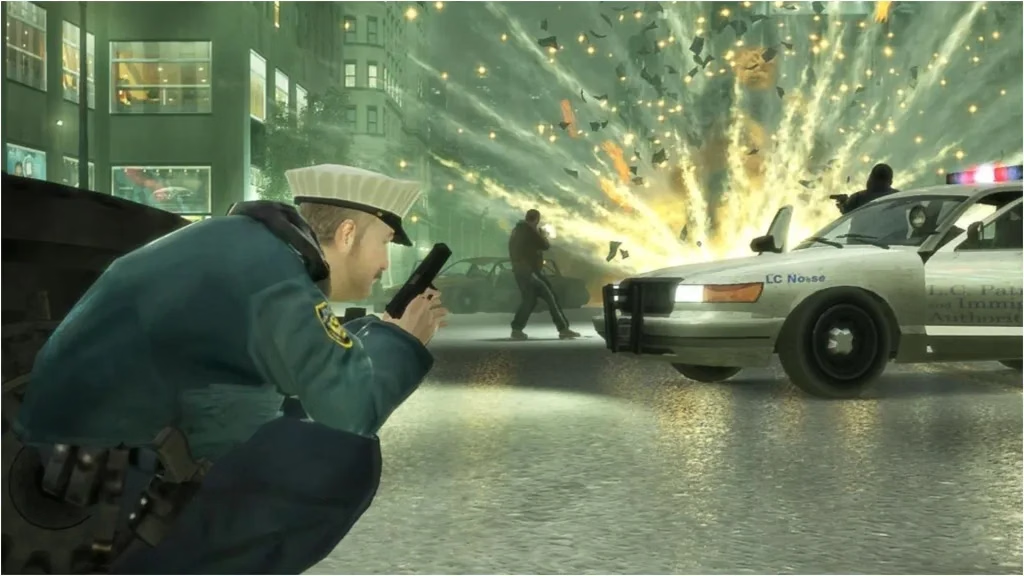
Auto Climb Ladders is a small quality-of-life change that makes moving around feel smoother, especially during chases. It’s an option in the Controls menu, so you can leave it off if you prefer manual control.
The Stunt Jump Camera toggle will please completionists. Chasing all 50 stunt jumps is far less tedious when you can skip the slow-motion cutaway.
Better controls. New sliders let you tune mouse and gamepad aim and look-around sensitivity independently, which is a big help if you switch between both.
Fixes Under the Hood
Version 5.1 also refactors and improves several fixes for high frame rates, which has long been a pain point for modern PCs running an older game. A visual detail gets a patch too: preachers now properly hold a book in their hands again on PC.
Before You Update: Read This
The release notes warn that some menu settings may change after installing, because the settings code was refactored. If something looks off, adjust the options manually, or delete the GTAIV.EFLC.FusionFix.cfg file in your plugins folder and let it regenerate.
Quick checklist:
- Back up your saves and current config.
- Install the update.
- Review your in-game menu options.
- Test a short mission before a long session.
Want more gaming news and sports updates? Browse Techno Sports and explore more trending stories at technosports.co.in.
FAQs
Q1. What is new in GTA IV Fusion Fix 5.1?
It adds Quick Save from the phone, Auto Climb Ladders, a Stunt Jump Camera toggle, separate sensitivity sliders and several high-FPS fixes.
Q2. Will updating reset my Fusion Fix settings?
Some settings may shift because the code was refactored. Re-adjust them in-game or delete the .cfg file in the plugins folder.




