
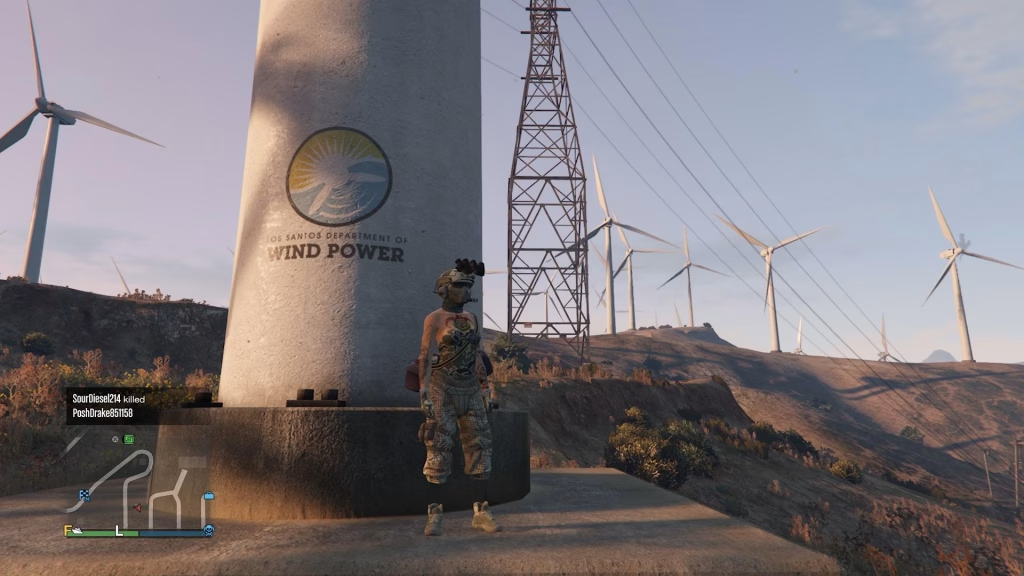
If you’ve ever found the perfect outfit in GTA Online but hated the shoes — or loved a pair of kicks that wouldn’t work with your favourite look — this glitch is a game-changer. The Shoe Merge Glitch is one of the most popular and widely used clothing exploits in GTA Online right now, and it’s still working in 2026. Here’s your complete step-by-step guide.
Table of Contents
What Is the Shoe GTA Merge Glitch?
This is a timing-based outfit glitch that uses the Mansion Yoga session to trick the game into applying shoes from one saved outfit onto a completely different one. It works on PS5, Xbox Series X|S, and PC — no mods required.
What You Need Before Starting
| Requirement | Details |
|---|---|
| Two saved outfits | One with the shoes you want; one to receive them |
| A Mansion | Yours or a friend’s — needs rooftop yoga mats |
| Interaction Menu access | Must be accessible mid-animation |
| Patience | Timing-based; may take a few attempts |
Step-by-Step: Console (PS5 / Xbox)
- Equip the outfit containing the shoes you want to transfer
- Head to your Mansion rooftop and start a yoga session
- As the yoga animation begins, open the Pause Menu
- Navigate to Online → Safety and Alerts — hover over it
- Hold the Pause button while hovering, then simultaneously press X (PS) / A (Xbox) to enter Safety and Alerts
- You should see yoga stick controls still visible on the Safety and Alerts screen
- Press Pause twice rapidly to exit
- Immediately open the Interaction Menu → select the second outfit (the one receiving the shoes)
- Exit the yoga session — your shoes should now be on the new outfit
- Save the merged outfit at your wardrobe straight away
Step-by-Step: PC
- Save both outfits and equip the one with the desired shoes
- Start a Mansion yoga session
- Press Pause → go to Online → Safety and Alerts
- The moment you press Enter to open it, immediately press P (Pause) as well
- This will exit the pause menu while keeping the yoga animation active
- Open the Interaction Menu and switch to the target outfit
- Exit yoga — shoes are now merged ✅
- Save immediately to a wardrobe slot
Pro Tips for a Clean Merge
To avoid accidentally merging tops, pants, or other items alongside the shoes, create a dedicated “shoes-only” outfit — just the pair you want, with no other clothing equipped. This way, only the footwear transfers across.
The Scuba Suit is especially popular for this glitch since its flippers and tank create hybrid looks that work both underwater and on land.
Learn more about GTA Online and its legendary player-driven customization culture on the Grand Theft Auto Online Wikipedia page.
For more GTA Online glitch guides, outfit tutorials, and gaming news, head to TechnoSports — and explore our latest GTA and gaming coverage for tips, tricks, and updates.
FAQs
Q: Does the GTA Online shoe merge glitch still work in 2026 on PS5 and Xbox Series X?
Yes — the Mansion Yoga shoe merge glitch is confirmed working in February 2026 across PS5, Xbox Series X|S, and PC, though it requires precise timing and may need multiple attempts to execute correctly.
Q: Will other clothing items merge alongside the shoes accidentally?
Yes, they can — to avoid this, create a dedicated outfit slot containing only the shoes you want to transfer, ensuring only footwear carries over and no other clothing items accidentally merge into your target outfit.




