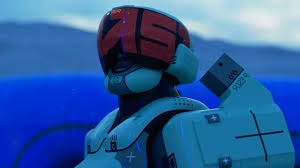
You drop into Tau Ceti IV, your squad is split, the enemy is close — and your mic is completely dead. Sound familiar? Bungie‘s Marathon Server Slam launched with a known voice chat bug that’s affecting a large number of players, and it’s arguably one of the most frustrating issues to hit the test period. Here’s exactly what’s happening and how to fix it.
Table of Contents
Marathon Voice Chat Error — Overview
| Detail | Info |
|---|---|
| Game | Marathon (Bungie) |
| Platform Affected | PC, PS5, Xbox Series X|S |
| Error Type | Voice chat not functioning in-game |
| Works in Menus? | ✅ Yes — only broken in-game |
| Bungie Acknowledged? | ✅ Yes — “some great leads” on investigation |
| Official Fix Available? | ❌ Not yet — hotfix expected before March 5 |
| Full Launch Date | March 5, 2026 |
| Default Mic State | 🔇 Auto-muted every session |
Why Is Voice Chat Not Working in Marathon?
The voice chat not working issue could merely be a bug from the open beta phase. Alternatively, the mic input sometimes gets toggled off automatically.
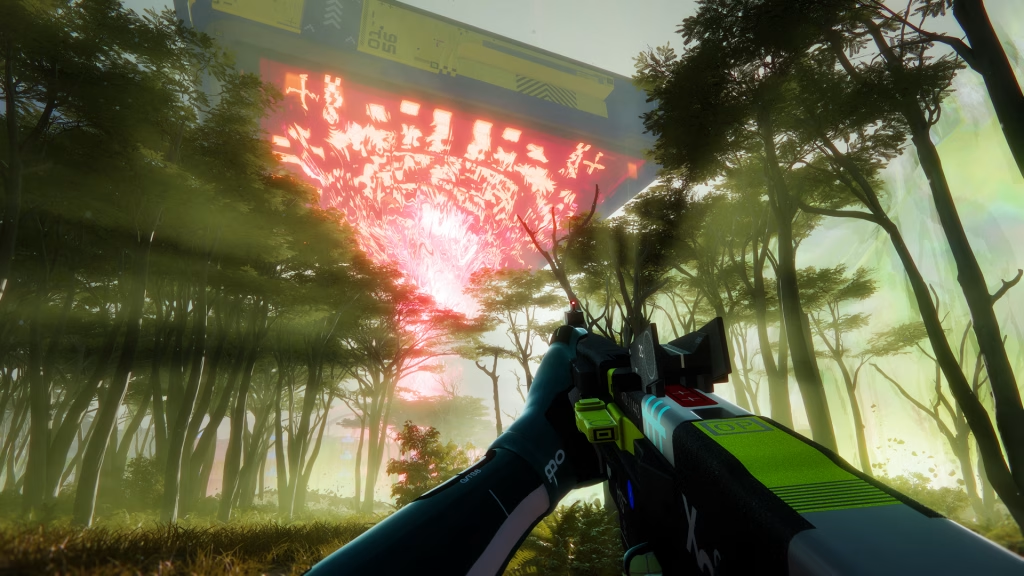
Bungie has acknowledged the voice chat problems, saying they have “some great leads” and are likely working on a fix — while noting that voice chat reportedly works fine in menus but fails in-game.
Voice chat, along with confusing UI, mouse input issues, and infrequent PvP encounters, makes up the list of issues the Marathon Development Team is actively working through, welcoming feedback particularly through their Discord server.
5 Fixes to Try Right Now 🛠️
1. Manually Unmute Your Mic After Every Launch Marathon’s in-game mic turns itself off by default every time you close and open the game. Hover over your name and click the unmute button to re-enable it manually.
2. Disable Unused Microphones in Windows Open Control Panel → Hardware and Sound → Manage Audio Devices → Recording tab. Right-click and disable every microphone except the one you want active. Multiple active input devices confuse the game.
3. Click the Mic Icon on Your Player Banner Click the microphone icon on your player banner — even if voice is enabled in settings, the in-game toggle may still be off.
4. Try the Proximity Chat Workaround Some users have reported that if your team gets near another team for proximity chat to activate, your regular voice chat starts working too. It’s unclear why this works, but it’s worth a shot.
5. Cross-Play Party Fix Some users have reported that voice chat only works in cross-play parties with both PC and console players, or PC-only groups. Try switching your party composition if you’re on console.
When Will Bungie Fully Fix This?
If the error is deep-rooted in the code itself, you will have to wait for the developers to issue a hotfix patch in the coming days, or it may get fixed when the game officially launches on March 5, 2026. Trade Brains
Given that Bungie has already confirmed they have leads on the issue, a pre-launch patch before March 5 is highly likely.
For more Marathon Server Slam guides, error fixes, and gaming news, visit TechnoSports Esports.
FAQs
Q: Why is voice chat not working in Marathon and has Bungie acknowledged it?
Yes — Bungie confirmed the voice chat bug during the Server Slam and stated they have leads on a fix. The most common cause is the game automatically muting your microphone every time you relaunch, requiring a manual unmute via your player banner.
Q: Is there a quick fix for Marathon voice chat not working on PC?
Try manually unmuting your mic from the in-game player banner, disabling unused recording devices in Windows Sound settings, or joining a cross-play party — all three are community-confirmed workarounds while Bungie prepares an official hotfix before the March 5, 2026 launch.