
Let’s be honest — vanilla Minecraft stops being scary after your first few nights. You build a bed, light some torches, and suddenly the creepers feel more like annoying neighbors than actual threats. But if you’ve been craving that early-game fear again, the PNTMC Minecraft Verity Addon might be exactly what your world needs.
Table of Contents
This addon has been quietly making the rounds in the Minecraft Bedrock community, and for good reason. It adds a tense, horror-flavored experience built around a lurking new threat, creepy sound cues, and the kind of atmosphere that makes you regret exploring caves alone. Here’s what the PNTMC Verity addon is, how to install it, and what you need to know before you hit play.
PNTMC Verity Addon
| Detail | Info |
|---|---|
| Addon Name | Verity Addon by PNTMC |
| Platform | Minecraft Bedrock Edition / MCPE |
| Category | Entity / Horror / Gameplay Addon |
| Main Addition | New creature, sound cues, and altered night atmosphere |
| File Type | .mcaddon |
| Installation | Import file, apply to world |
| Experimental Mode | Required for some features |
| Best Played | Multiplayer survival with friends |
| Difficulty | High if you play alone at night |
What Is the PNTMC Verity Addon?
The name PNTMC comes from the addon’s creator or curating team, known for publishing downloadable Bedrock content. The Verity Addon is designed to introduce a more unsettling, survival-horror tone into your Minecraft sessions. Instead of adding a simple new mob that walks around, it focuses on atmosphere — sudden sound queues, entity spawn conditions, and visual changes that make familiar locations feel wrong.
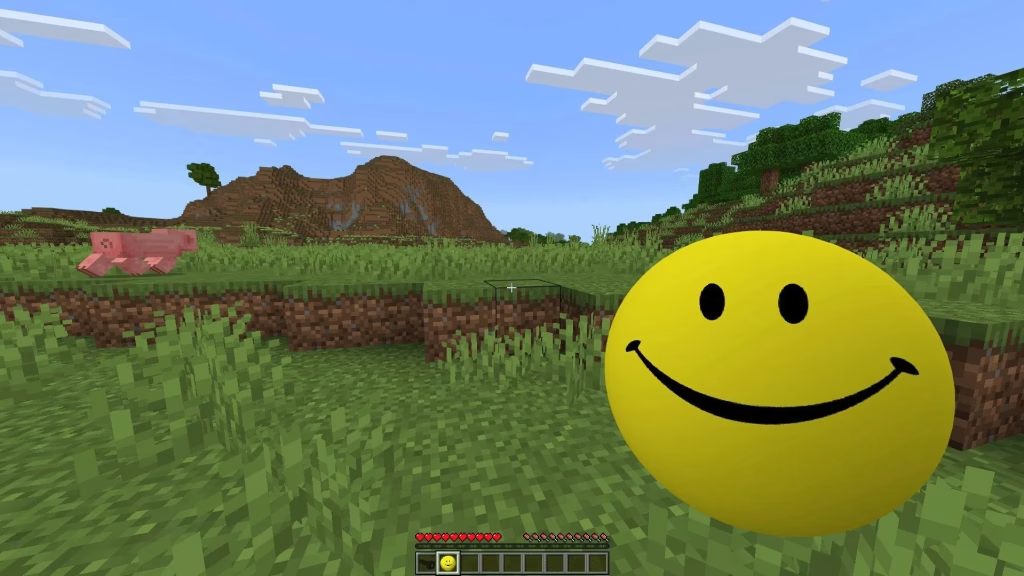
What makes it hit hard is the unpredictability. You won’t always see the threat coming, especially if you’re used to spotting mobs by sight. Several players compare it to early Herobrine creepypasta energy — less about in-your-face gore and more about subtle dread that builds over time.
How to Install and Play the PNTMC Verity Addon
Step 1: Download the .mcaddon file
Grab it from a trusted source like the creator’s official page, MCPEDL, or the Sportskeeda guide linked below. Avoid random APK sites — corrupted files are a quick way to wreck your world.
Step 2: Import into Minecraft
Tap or double-click the .mcaddon file. Minecraft Bedrock should open automatically and display an import confirmation. If it doesn’t, move the file into your device’s Minecraft addon folder manually.
Step 3: Apply to a world
Create a new world or edit an existing one. Scroll to Behavior Packs and Resource Packs, then activate the Verity Addon in both sections. If the game prompts you, enable Experimental Features — some scripts need it to run properly.
Step 4: Start playing
The addon works best at night or in dark enclosed areas. Keep sound on. Yes, headphones make it worse. That’s the point.
Tips to Get the Most Out of It
- Play with friends. The panicked screaming is part of the experience.
- Back up your world before installing. Always.
- Don’t read every spoiler. The first encounter is the best one.
- Keep torches and a bed ready. You’ll thank yourself later.
If you enjoy this kind of horror twist, don’t miss our list of the best Minecraft horror addons to try in 2026 or our simple how to install Minecraft addons safely guide for beginners.
Sources:
FAQs
1. Does the PNTMC Verity Addon work on Minecraft Java Edition?
No, this addon is built for Minecraft Bedrock Edition and uses the .mcaddon format. If you see a .jar version, that would be a separate Java mod — but the PNTMC release is Bedrock-focused.




