The Sorcerer deals big damage, but juggling cooldowns while you level can be tiring. A simple macro handles most of the work, so you can focus on pulling packs and moving through the story.
Table of Contents
Why Play Sorcerer in Aion 2?
Every Sorcerer skill deals a good amount of damage, which opens up many skill combinations in the early game. The trade-off is defense. Sorcerers are a bit squishy, so smooth skill timing matters, and that’s exactly what a macro helps with.
| Stage | Focus | Key idea |
|---|---|---|
| Levels 1-20 | Flame Arrow, Firestorm, Blaze | Fill cooldown gaps with Flame Arrow |
| Levels 30-45 | Full skill set unlocked | Start leveling skills gradually |
| Level 45 | Updated macro | Open with Wish of Concentration |
| Item level 1400+ | Endgame setup | Follow the late-game macro section |
Levels 1-20: Keep It Simple
Early on, your rotation is easy. Firestorm and Blaze each have a five-second cooldown, so Flame Arrow does the damage in between. A basic macro that alternates Firestorm and Flame Arrow works well here. One popular early setup presses Firestorm, then Ice Chain, then Flame Arrow, with a 10 ms delay between steps. Note that Flame Scattershot is only active when you stun an enemy, so don’t count on it as a regular button. Aion 2 Sorcerer leveling guide and easy macro setup +2
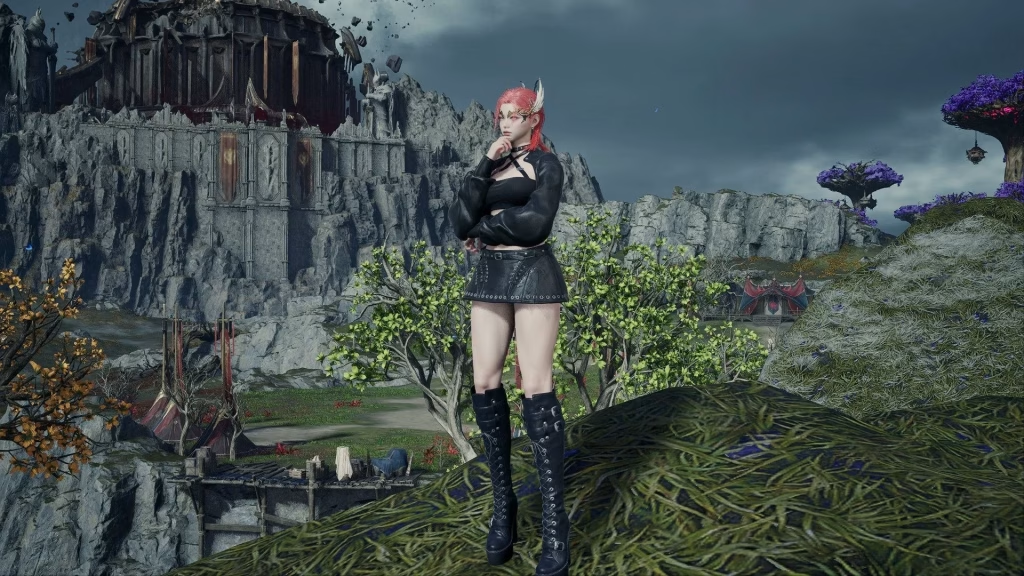
Levels 30-45: Your Full Kit Arrives
At level 30 you get access to all skills, and although you can’t max them out yet, you can start leveling them alongside your character. Spread your points sensibly rather than rushing one skill. Keeping the rest at level 5 unlocks the first Specialty bonus. By level 45 your macro needs an update, and the guide starts the combo with Wish of Concentration. Aion 2 Sorcerer leveling guide and easy macro setup +2
How to Set Up the Macro
Setting it up takes a few minutes. Open the skill window and press the Macro button, then add your skills in order. After that, bind the macro to a key. No key is bound by default, so the macro does nothing until you set one under Settings, Key Settings, General, Macro. Many players use the right mouse button or a side mouse button, then simply hold it while fighting. daevaguides
Two Settings That Matter
First, turn on Skill Queue. It’s under Settings, Combat, Controls, and without it, steps pressed while a skill is still casting are lost. Second, match your delay to your connection. One guide suggests 10 ms between steps under 50 ms ping, and 40-50 ms if your ping is over 80 ms. A delay that’s too short on a laggy connection can make the macro skip skills. gamingmmopixel
What to Leave Out of the Macro
Hellfire should never go into the macro, because it would only fire stage 1. Cast it by hand instead. When Hellfire is ready, release the macro, hold E to reach stage 3, then return to the macro. Guides also disagree about Ice Chain. Some include it, while others say to use it manually because of mana problems. If you run low on mana, try removing it.
Final Tips
Group your enemies before using strong area skills, since pulling more mobs makes each cast count. Keep an eye on your mana as well, and let basic attacks recover some between bursts. If you’re racing to the cap, the guide points to a separate speedrun guide for reaching level 45 quickly. For background on the genre, see MMORPGs on Wikipedia. For more game guides, visit Technosports and browse our gaming news section. sportskeeda
FAQs
Q1. Why isn’t my Aion 2 macro working?
No macro key is bound by default, so set one under Key Settings, General, Macro.
Q2. Should Hellfire be in the Sorcerer macro?
No, Hellfire only fires stage 1 in a macro, so cast it manually.