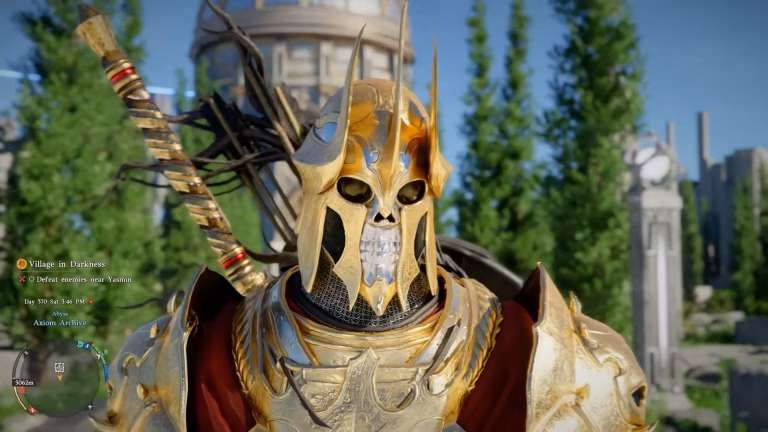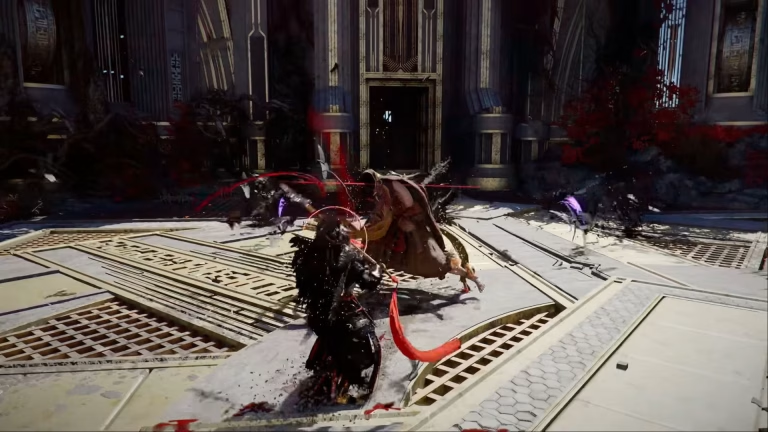
Crimson Desert’s “Charting the Unknown” doesn’t launch itself the moment you install it. There are a few requirements and steps to clear first — here’s exactly how to get it running.
Crimson Desert: Overview
| Detail | Information |
|---|---|
| Game | Crimson Desert |
| DLC | Charting the Unknown |
| Type | Expansion content |
| Main Requirement | Base game progression |
| Access Method | In-game quest trigger |
| Common Issue | DLC not appearing after purchase |
| Fix | Verify installation and story progress |
Step 1: Make Sure It’s Actually Installed
Sounds obvious, but this is the most common culprit.
- Console: Head to the game’s page in your store library, check Add-ons, and confirm the DLC shows as installed rather than just purchased.
- PC: Verify your game files through your launcher, then confirm the DLC is ticked in the game’s properties or DLC tab.
A purchase doesn’t always trigger an automatic download, especially if auto-updates are disabled.
Step 2: Check Your Story Progress
Most expansions gate themselves behind base-game progression, and “Charting the Unknown” is no exception.
If you’ve just started the game, the DLC likely won’t appear at all. You’ll need to reach a certain point in the main campaign — typically past the early chapters — before the content unlocks.
If you’re on a fresh save, this is almost certainly your issue.
You can read more about the game on its official Wikipedia page.
Step 3: Find the Trigger
Once installed and unlocked, the DLC usually starts through one of these:
- A new quest marker appearing on your map
- An NPC messenger approaching you during normal play
- A letter or notification in your in-game journal
- A new region becoming accessible on the world map
Check your quest log first. New expansion content almost always registers there before you physically travel anywhere.
Step 4: Travel and Begin
Follow the marker to the designated area and speak with the relevant NPC. From there, the expansion’s opening sequence should trigger automatically.
Tip: Save your game before starting. Expansions sometimes shift your position on the map, and a manual save gives you a clean fallback.
Troubleshooting Checklist
- Restart the game completely after installing
- Check for pending game updates — DLC often requires the latest patch
- Confirm you’re signed into the same account used for purchase
- Make sure you’re playing on the correct save file
- Try a hard restart of the console or PC if nothing appears
For more gaming guides and walkthroughs, visit our gaming section on TechnoSports, and check out our collection of game DLC guides and tips.
FAQs
Q1. Why isn't my Crimson Desert DLC showing up?
It’s usually due to incomplete installation, a missing patch, or insufficient main story progress.
Q2. Do I need to finish the main story first?
Not entirely — but you do need to reach a specific progression point before the DLC unlocks.