
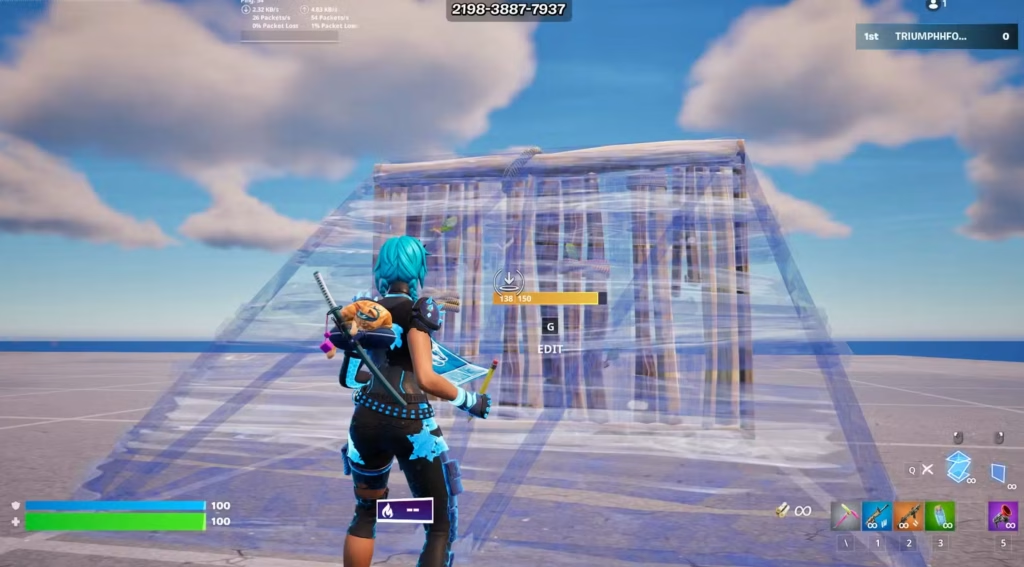
Fortnite Chapter 7 introduced Simple Build to help players create structures quickly without constantly switching between different pieces. While this streamlined approach appeals to beginners, veteran players often prefer the precision of traditional building. If you’re looking to reclaim full control over your construction game, here’s how to turn off Simple Build in seconds.
Table of Contents
Why Fortnite Players Disable Simple Build
Simple Build limits precision and flexibility, which experienced players find restrictive for advanced building techniques crucial in fast-paced fights and 1v1 situations. The feature reduces building to just two inputs, automatically selecting pieces based on camera direction—great for learning, but limiting for competitive play.
Quick Comparison:
| Feature | Simple Build | Traditional Build |
|---|---|---|
| Inputs Required | 2 buttons | 4 buttons |
| Control Level | Automatic based on camera angle | Manual selection |
| Best For | Beginners, console players | Competitive players, advanced techniques |
| Precision | Limited | Full control |
| Available In | Public matches only | All modes including ranked |
Step-by-Step: Turn Off Simple Build
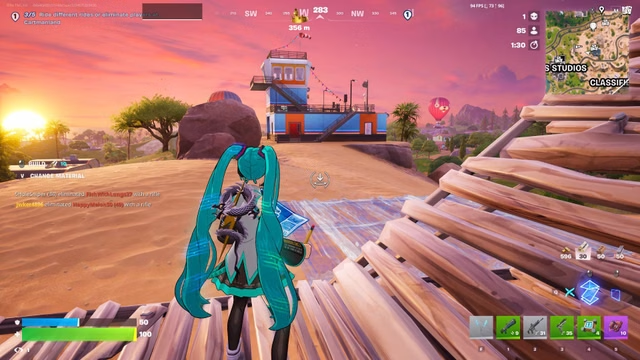
Disabling this feature takes under 30 seconds. Here’s exactly what to do:
- Launch Fortnite and access the main menu
- Open Settings (click the gear icon)
- Select the GAME tab (fourth option at the top)
- Navigate to Building from the left-side menu
- Toggle Simple Build to OFF
- Click Apply to save your changes
You can adjust these settings anytime, even mid-season, giving you flexibility to experiment with both modes.
How Simple Build Actually Works
Understanding the mechanic helps you decide if it’s right for your playstyle. With Simple Build enabled, one key builds walls while another builds stairs, roofs, and floors depending on where the player’s camera is pointing. Look down for floors, at a 45-degree angle for ramps, up for cones—all with a single button.
While innovative, this camera-based system removes the tactical advantage of instant, manual piece selection that separates good builders from great ones.
Should You Keep It On or Off?
Keep Simple Build ON if:
- You’re transitioning from Zero Build mode to regular builds
- You play casually on console or mobile
- Building mechanics feel overwhelming
Turn Simple Build OFF if:
- You play competitively or ranked matches
- You’ve mastered traditional keybinds
- You need precision for 90s, editing combos, or build battles
For the latest Fortnite building strategies and competitive insights, check out our advanced guides. Pair your building skills with the newest weapon meta updates to dominate Chapter 7.
Frequently Asked Questions
Can I toggle Simple Build during a match?
No, Simple Build settings can only be changed from the lobby before entering a match, not during gameplay.
Does Simple Build work in competitive modes?
No, Simple Build (and Simple Edit) is disabled in all competitive playlists and ranked matches for fairness.




