
The first thing Aion 2 asks you to do is pick how you want to fight. It’s a bigger decision than it sounds, because the mode you choose changes your cursor, camera and targeting. Here’s how to decide.
Table of Contents
Aion 2 vs Aion 1: The two modes at a glance
| Feature | Aion 2 mode (action) | Aion 1 mode (classic) |
|---|---|---|
| Cursor | Hidden by default | Always visible |
| Targeting | Center reticle | Manual mouse / tab targeting |
| Camera | Follows mouse movement | Click and drag |
| Movement | Keyboard (WASD) | Mouse-based |
| Best for | Dodging, positioning, PvE | Cursor targeting, healing, large PvP |
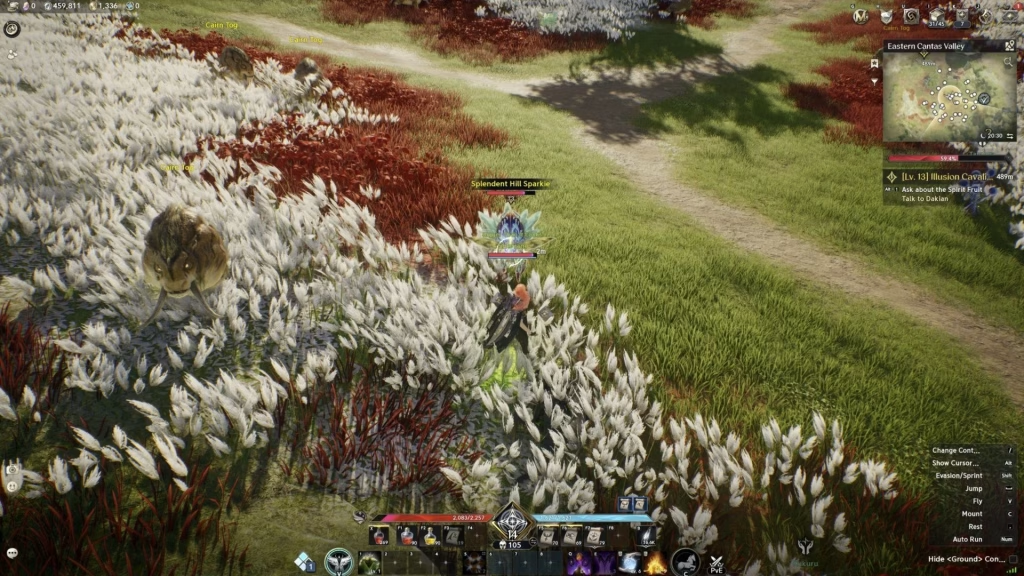
The case for Aion 1 (tab targeting)
Sportskeeda’s guide makes a strong argument for the classic style. Its writer says tab targeting is better for raw damage because auto-attacks keep firing without you pressing a button again. That also helps builds that stack attack speed, and it’s especially handy in fast PvP.
If you’re a fan of the original Aion, this mode will feel instantly familiar. For more game guides, see our gaming coverage at Technosports.
The case for Aion 2 (action mode)
Not everyone agrees, and the action mode has real strengths:
- Better movement control. Direct camera control makes dodging boss mechanics easier.
- Easier positioning. Attacking from behind is simpler.
- A modern feel. It’s the recommended starting mode in several guides.
One guide also notes that action mode is friendlier to macros, since the mouse buttons can’t be rebound in Aion 1 mode.
Who should pick what?
- Mostly PvE, dungeons and raids? Try Aion 2 mode.
- Big faction battles? Classic mode helps you notice flanking groups.
- Healer or cursor-heavy player? Aion 1 mode makes picking party members easier.
- Aion veteran? Aion 1 mode will feel like home.
- Not sure? Test both. One beta guide advises against committing before you’ve tried each.
How to switch
Go to Settings > Combat > Controls and change [PC] Control Mode. You can also switch on the fly with a hotkey, so check your keybinds in settings. For more tips, see our latest updates at Technosports.
Conclusion
There’s no single right answer. Tab targeting wins on consistency and PvP awareness, while action mode wins on movement and feel. The good news is you can switch anytime, so give both a fair run.
FAQs
Q1. Which Aion 2 control mode is better for PvP?
Opinions differ. Sportskeeda favors Aion 1 tab targeting, while others prefer action mode’s camera control.
Q2. Can I change control modes later?
Yes. Use Settings > Combat > Controls, or the in-game switch hotkey.




