
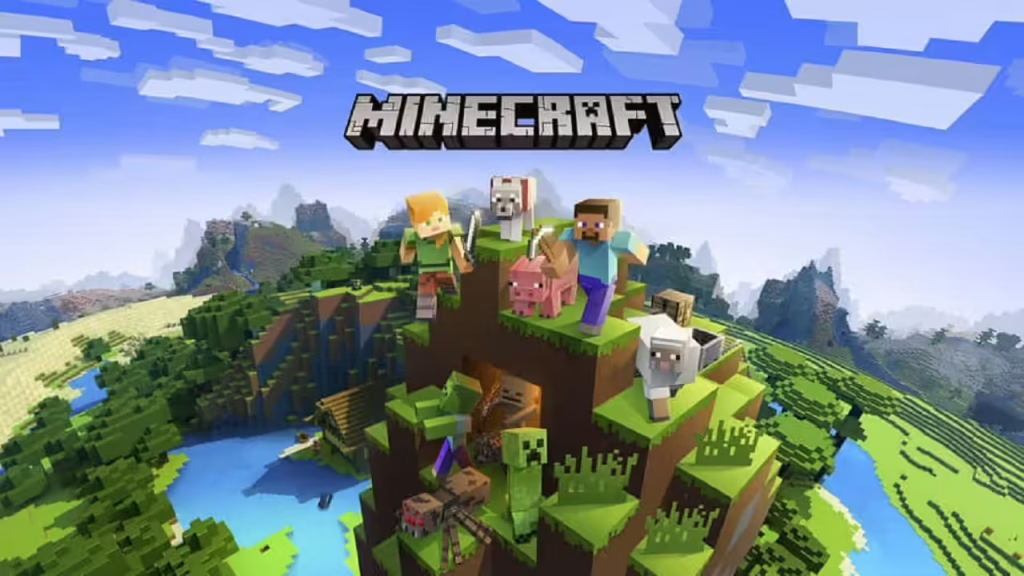
Minecraft fans, exciting news! Mojang released the Minecraft Bedrock 26.0.27 beta and preview on January 07, 2025, marking the first experimental build of 2026. This update brings craftable name tags after 13 years and adorable new baby mob variants that’ll make your worlds even more vibrant.
Table of Contents
What’s New in Minecraft Version 1.26.0.27?
| Feature | Details |
|---|---|
| Release Date | January 7, 2025 |
| Version Number | 26.0.27 (New 2026 numbering) |
| Key Features | Craftable name tags, new baby mobs, bug fixes |
| Platforms | Windows, Xbox, PlayStation, Android, iOS |
| Connection Required | Stable internet for download |
This beta introduces craftable name tags and many new baby mobs with adorable sounds, plus quality-of-life improvements reminiscent of last year’s Spring to Life update.
Quick Download Guide by Platform
For Windows PC Players
- Open Microsoft Store and navigate to the “Games” tab
- Search for “Minecraft Preview” in your library
- Click “Update” next to the Preview listing
- Hit “Play” once the download completes
- Wait for assets to load (first-time installations take longer)
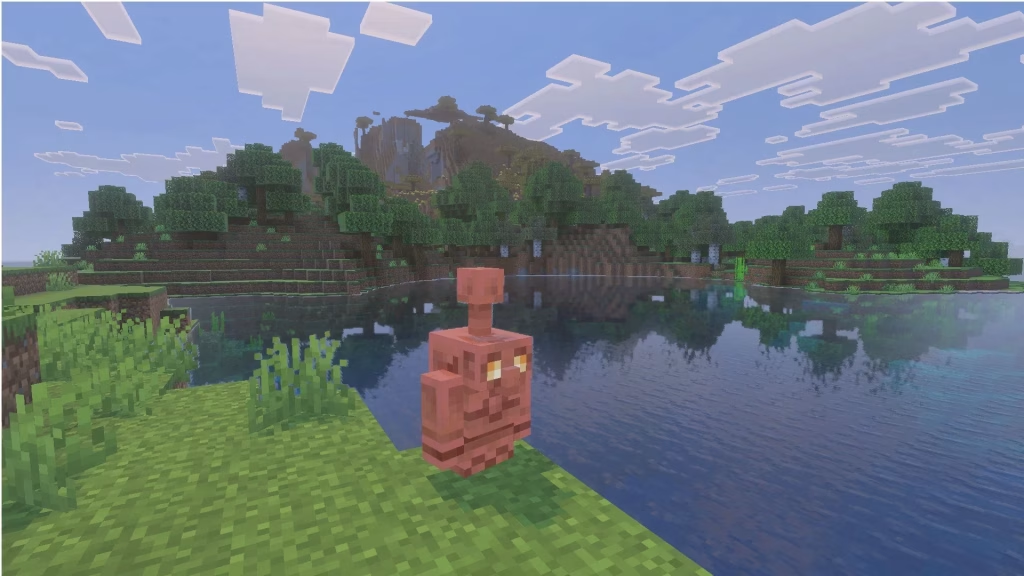
For Console Gamers (PS4/PS5 & Xbox)
- Locate Minecraft from your console’s homepage or game library
- Access the left sidebar and select “Preview”
- Choose “Get PlayStation/Xbox Preview” (depending on your console)
- Download and install – keep your console powered on during installation to prevent file corruption
For Mobile Users (Android & iOS)
Android: Visit Google Play Store, find Minecraft, and opt into the Beta program through the app details page.
iOS: Open TestFlight app and update Minecraft Preview. Remember to log in 1-2 times monthly to maintain your beta access – spots are limited!
Why Join the Beta?
Testing preview builds lets you experience upcoming features before official releases. You’ll explore experimental gameplay changes, provide valuable feedback to Mojang, and get a sneak peek at the Spring 2026 game drop. For more Minecraft tips and tricks, check out our complete beginner’s guide and advanced building techniques.
Pro Tip: Enable automatic updates in your device settings to always stay current with the latest beta versions.
Learn more about Minecraft Bedrock Edition and read the official patch notes on Mojang’s website for technical details.
Frequently Asked Questions
Q: Can I play my regular worlds in the beta version?
A: Beta builds use separate game files, so your main worlds remain safe. However, worlds created in beta can’t be accessed in the stable version.
Q: Will I lose beta access if I don’t play regularly?
A: iOS users need to open the beta 1-2 times monthly to maintain access due to limited TestFlight spots. Other platforms don’t have this restriction.




