

Rockstar won’t put these shoes with that outfit. GTA Online says no. But the community found a way — and it’s been working for years. The shoe merge glitch lets you transfer footwear from one saved outfit to another using the mansion yoga session, giving you complete freedom to combine shoes that normally wouldn’t be compatible. Here’s every platform-specific method broken down.
Table of Contents
What You Need Before Starting GTA Gameplay
| Requirement | Details |
|---|---|
| Property | A Maze Bank Foreclosures mansion (or a friend’s) |
| Saved Outfits | Both outfits saved in your Interaction Menu |
| Outfit A | The outfit containing the shoes you want |
| Outfit B | The outfit you want those shoes transferred onto |
| Best Practice | Create Outfit A with ONLY the shoes — prevents other clothing merging accidentally |
| Session Type | Invite Only recommended |
Step-by-Step: Console (PS/Xbox)
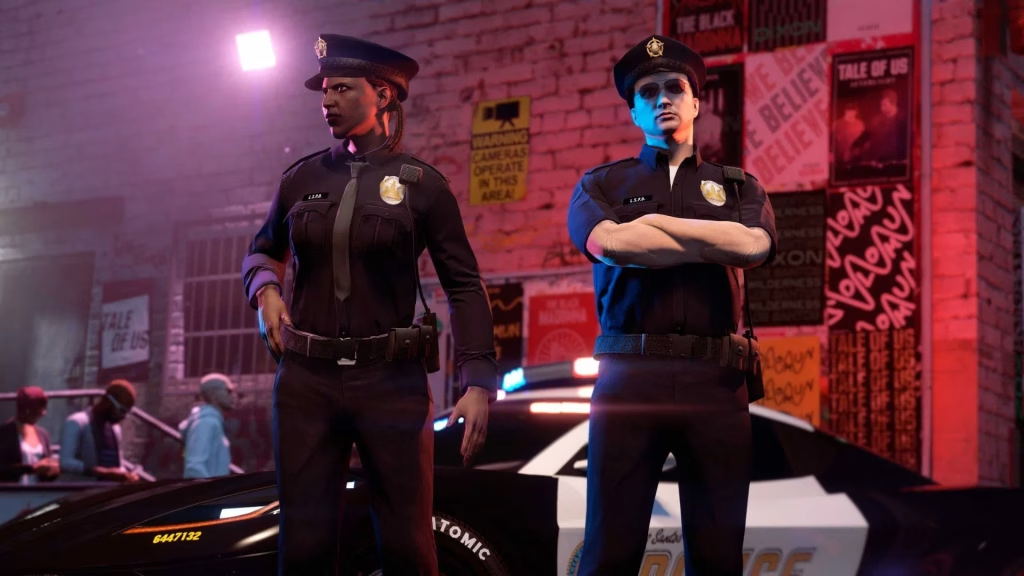
Select the outfit you want the shoes from, and the outfit you want the shoes to go with. Keep both these outfits saved so they can be accessed through the interaction menu. Head over to a mansion, then walk up to the roof to the yoga area.
| Step | Action |
|---|---|
| 1 | Equip Outfit A (the one with the shoes you want) |
| 2 | Enter the mansion yoga session |
| 3 | As soon as the yoga animation starts, open the Pause Menu |
| 4 | Hover over Online → Safety and Alerts |
| 5 | Hold Pause button — release it and immediately press X (PS) / A (Xbox) to open Safety and Alerts |
| 6 | You should see the yoga session L/R stick prompts inside Safety & Alerts |
| 7 | Press Pause twice to exit |
| 8 | Open the Interaction Menu while still in the yoga session |
| 9 | Switch to Outfit B |
| 10 | Exit the yoga session — shoes from Outfit A are now on Outfit B |
Step-by-Step: PC
Enter your or your friend’s mansion and start a yoga session while equipping the outfit from which you want to take the shoes. Press the Pause menu and go to the Online section. Hover over the Safety and Alerts option. As soon as you press Enter to open Safety and Alerts, press ‘P’ for pause menu as well. This trick will eventually make you exit the pause menu. Go to the Interaction Menu while being in the yoga session and select the outfit you want the first outfit’s shoes to merge into. Exit the yoga session to see that the shoes have merged with the other outfit.
The key timing difference on PC: press Enter + P simultaneously when opening Safety and Alerts — this is the trickiest part and may need a few attempts.
For full GTA Online outfit guides and glitch tutorials, visit our GTA Online guides on TechnoSports.
Pro Tips to Get It Right Every Time
This is a classic video game exploit that relies on precise timing — the yoga animation creates a window where the game processes outfit changes differently to freemode. Three things that guarantee better results: create a dedicated shoes-only outfit to prevent other clothing items merging accidentally, always use an Invite Only session to avoid interruptions, and if you see other outfit items bleed across, the outfit had too many active components.
It is worth mentioning that you might see that other outfit parts have also merged together. Hence, it is best to create an outfit with only the shoes on, so that only the shoes get merged and not other clothes.
Bonus: With scuba flippers and tank attached to a custom outfit, you effectively create a hybrid look that can still function underwater. Just remember that exiting water may remove the mask — reapply the saved outfit from the Interaction Menu to restore it.
Save It Immediately After Merging
Once the shoes have transferred successfully, head straight to a wardrobe, clothing store, or your apartment to save the new outfit. If you switch sessions or die before saving, the merge will be lost and you’ll need to repeat the process.
For more customisation glitches and weekly GTA Online content, browse our latest GTA Online tips on TechnoSports.
FAQs
Q: Does the shoe merge glitch in GTA Online work on all platforms in 2026?
Yes — the mansion yoga shoe merge glitch works on PS4, PS5, Xbox One, Xbox Series X|S, and PC as of 2026, though PC requires slightly different timing.
Q: Why are other clothing items also merging when I try the shoe glitch in GTA Online?
This happens when Outfit A has more than just shoes equipped — create a new outfit with only the shoes saved to prevent other clothing pieces transferring across unintentionally.




