
Picture this: you’re surrounded by mobs and your mouse is doing all the work. Movement, attacks, everything. If that feels clunky, you’re not alone. Minecraft Dungeons II on PC is built around click-to-move, and players have been asking for keyboard movement. Mojang hasn’t said whether it will add native WASD, but the community has stepped in with a mod.
Table of Contents
What Does the Mod Do?
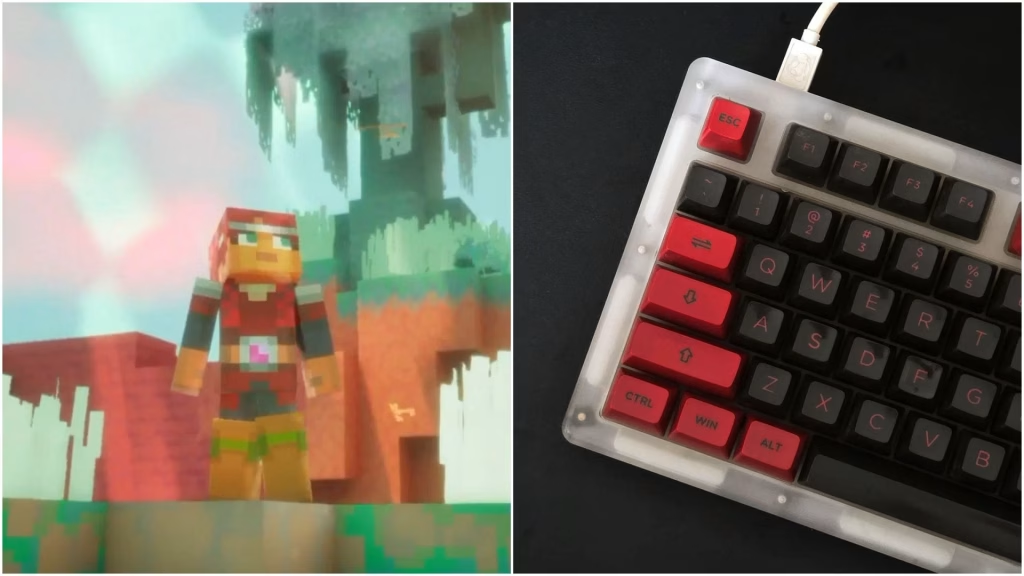
The WASD Controls mod adds WASD movement and removes click-to-move. Your character moves relative to the camera and turns smoothly to face the direction it’s walking. Clicking no longer moves you. Instead, clicking the ground attacks toward your cursor.
Updates have smoothed out the feel: clicking a mob now turns you to face it before attacking, and ground slams turn you toward your click first.
Minecraft Install Guide at a Glance
| Step | What to Do |
|---|---|
| 1 | Close the game and fully close the Minecraft Launcher |
| 2 | Download Blueprint Loader (required for the mod to work) |
| 3 | Download the WASD Controls mod from Nexus Mods |
| 4 | Open your game’s Paks folder |
| 5 | Place the files as the mod page instructs |
| 6 | Launch the game and rebind the S key |
Finding the Paks Folder
- Steam: Right-click the game, choose Manage, then Browse local files, then open Dungeons\Content\Paks.
- Minecraft Launcher: Go to C:\XboxGames\Minecraft Dungeons II\Content\Dungeons\Content\Paks. If you picked a different install folder, look for Minecraft Dungeons II\Content\Dungeons\Content\Paks inside it.
Always follow the latest instructions on the mod’s page, since file placement can vary by version.
Don’t Skip This: Rebind the S Key
By default, S opens the multiplayer wheel, which clashes with moving backward. Open the game’s controls settings and rebind it so S works as intended.
Things to Know Before You Mod
Modding always carries some risk. Back up your save files, download only from trusted sources like Nexus Mods, and check the mod page after game updates, since patches can break mods. Skip any unofficial tools that spoof inputs or ask you to disable security software. Want to learn more about how this works? Read about video game modding.
Is It Worth It?
If click-to-move gives you trouble, this mod makes the game feel far more natural, especially in crowded fights where precise positioning matters. A controller is the other popular alternative, so choose whichever feels best.
Want more game guides? Check our latest Minecraft news, browse gaming mods and tips, or explore more gaming guides on Technosports.
FAQs
1. Does Minecraft Dungeons II have native WASD controls?
No. On PC, it uses click-to-move, and Mojang hasn’t said whether it will add WASD.
2. Which mod adds WASD controls?
The WASD Controls mod on Nexus Mods. It requires the Blueprint Loader mod to work.




