
Hey fellow commanders! If you’ve been grinding away in Mini War, you know that sometimes you have a mountain of wood but no iron, or a surplus of basic units while eyeing that rare elite soldier. In the 2026 meta, efficiency is everything. To reach the top of the leaderboards, you need to master the art of the deal. Trading isn’t just about getting what you need; it’s about building alliances and optimizing your army for high-level raids.
Let’s break down exactly how you can trade resources and units to become the ultimate strategist!
Table of Contents
Mini War Trading: Quick Facts & Requirements
Before you start spamming trade requests, make sure you meet the basic criteria. The developers implemented these rules to keep the economy stable and prevent botting.
| Feature | Requirement / Detail |
|---|---|
| Minimum Level | Level 15+ |
| Trading Hub | Accessible via the “Marketplace” portal |
| Tax Rate | 5% Gold fee per transaction |
| Tradeable Items | Wood, Iron, Stone, and Unlocked Unit Shards |
| Daily Limit | 10 Trades per day for standard players |
How to Trade in Mini War: Step-by-Step Guide
Step 1: Enter the Trading Hub You cannot trade while in the heat of battle. From the main menu, navigate to the “Hub” and walk through the glowing blue portal labeled Marketplace. This area is a social zone where you can see other players and their “Want to Trade” (WTT) listings above their heads.
Step 2: Initiate the Request Approach the player you wish to trade with and click on their character. A menu will appear; select “Trade Request.” Once they accept, a secure trading window will open. If you’re looking for someone specific to trade rare shards, check out our Roblox guides hub to find active community discord links.
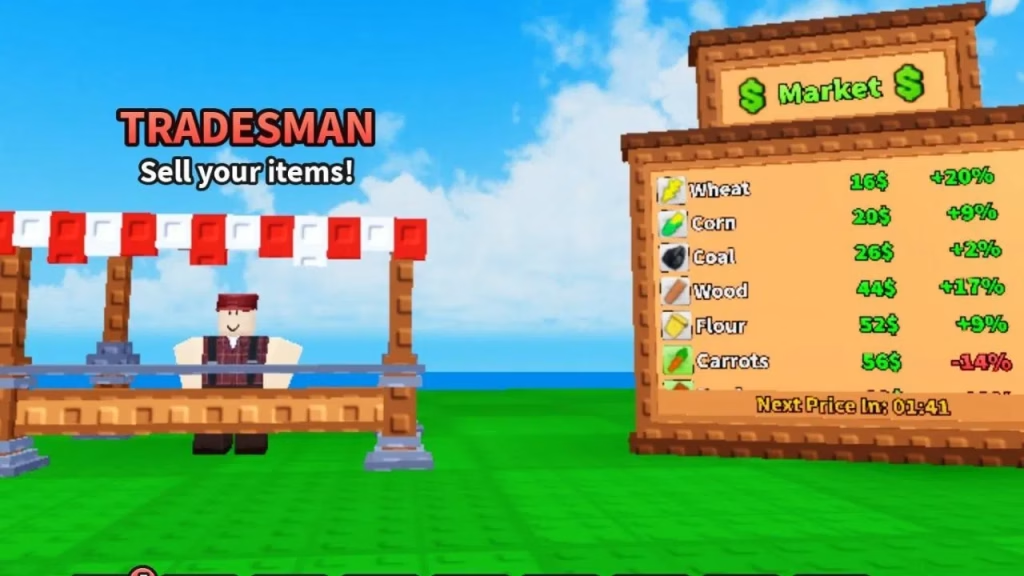
Step 3: Offer and Balance Drag the resources or unit shards you want to give into your side of the window. You can see the “Market Value” of your offer at the bottom. To ensure a fair deal, check the latest Roblox promo codes to see if any free resource bundles have recently dropped, as this often lowers the trading price of those specific items.
Step 4: The Double-Confirmation After both players have added their items, click “Ready.” The “Accept” button will have a 3-second countdown. This is a safety feature to prevent “switch-and-bait” scams. Review the items one last time, then click confirm to finalize the swap.
For a deeper look into the history of the platform and how these user-generated economies are built, visit the official Roblox Wikipedia page.
Mastering the trade market is just as important as mastering your troop placement. Keep your eyes on the chat for good deals, and happy trading!
FAQs
Can I trade Gems in Roblox Mini War?
No, Gems are a premium currency and currently cannot be traded between players to prevent account exploits; you can only trade raw materials and unit shards.
Why is my trade button grayed out?
The trade button will be disabled if you are below Level 15, have reached your daily trade limit, or do not have enough Gold to cover the 5% transaction tax.




