Day 2 of The Hollow event is live, and the race for free UGC rewards is on. The smartest strategy isn’t grinding harder—it’s finishing the right objectives and claiming rewards before they disappear into inventory limbo. Here’s the clean, no-fluff route. For quick platform context, see Roblox on Wikipedia.
Table of Contents
Roblox The Hollow Day 2 Guide: Overview
| Quick Info | Smart Move |
|---|---|
| Main goal | Complete Day 2 tasks and unlock every listed badge |
| Key mistake | Free-roaming instead of checking the event hub |
| Reward check | Claim each UGC item immediately after a badge unlocks |
| If item is missing | Rejoin, check inventory, then replay the exact objective |
| Best timing | Finish before the daily reset—event content can rotate |
Your Day 2 checklist:
- Open the event hub first. Read the Day 2 quest board and badge list before moving. This saves you from doing the wrong tasks.
- Chain objectives by location. Finish nearby tasks together instead of hopping across the map for one objective at a time.
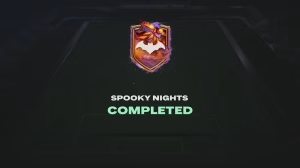
- Claim after every badge. Some UGC rewards don’t auto-apply. Open the event’s Rewards/Claimed tab to secure each item.
- Verify in inventory. If the badge appears but the item doesn’t, rejoin the experience and check your Roblox inventory and avatar editor.
- Don’t leave it for later. Daily event content can rotate. Complete Day 2 objectives in one focused session to avoid unnecessary reset confusion.
- Use a quiet server if possible. Fewer players can mean smoother interactions and faster objective completion.
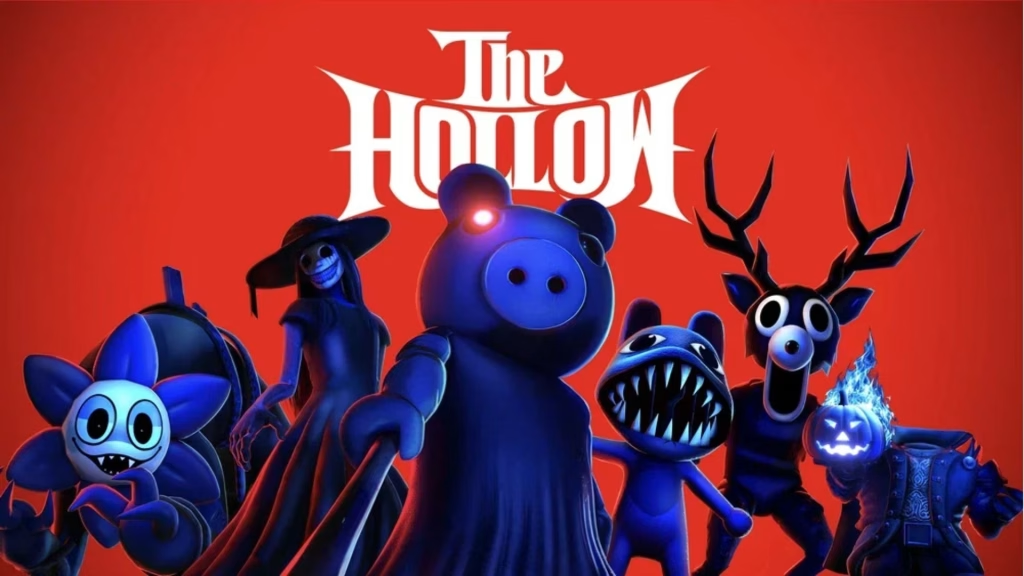
If a reward still won’t appear, replay only the related objective—not the whole checklist. That prevents wasted time while confirming the trigger. For more Roblox guides and gaming tips, visit the TechnoSports gaming hub and the main TechnoSports site.
FAQs
How long does The Hollow Day 2 take?
Usually under 30 minutes if you follow the hub checklist. Exact time depends on quest complexity and server performance.
Why didn’t I receive the Day 2 UGC item?
Claim the badge first, then rejoin and check your Roblox inventory. If it’s still missing, replay the related objective on the same account.