
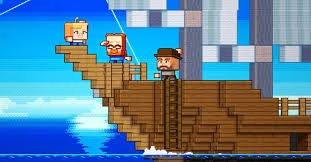
Imagine playing Minecraft, but instead of exploring in three dimensions, you’re navigating a flat, Terraria-inspired universe. Thanks to creator cheyao, this mind-bending transformation is now possible with the 2D Minecraft mod. Let’s explore how this creative modification breathes new life into the classic sandbox experience.
Table of Contents
2D Minecraft Mod Quick Info
| Feature | Details |
|---|---|
| Creator | cheyao |
| Platform | Modrinth/CurseForge |
| Game Version | 1.21.2+ (Fabric) |
| Downloads | 5.8K+ |
| World Type | 2D World Generator |
| Multiplayer | Server-compatible |
| Style | Terraria-like gameplay |
What is Minecraft?
Minecraft is the iconic sandbox game developed by Mojang Studios where players mine resources, craft tools, and build incredible structures in procedurally generated blocky worlds. Since launching in 2011, it’s become the best-selling video game ever with over 300 million copies sold.
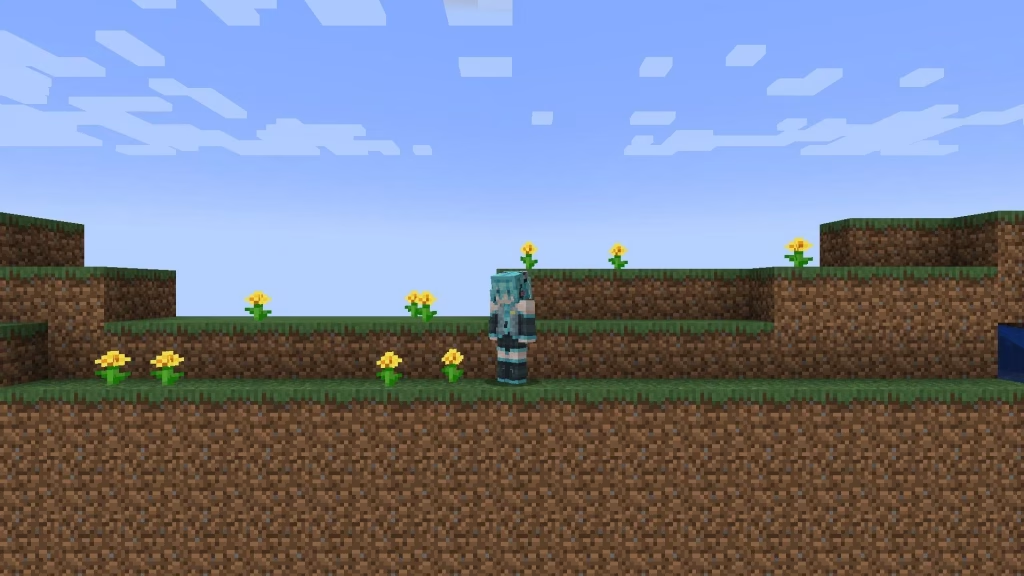
The game offers two primary modes: Survival, where you gather resources and fight hostile mobs while managing health and hunger, and Creative, offering unlimited blocks and flight for unrestricted building. With its distinctive voxel graphics, endless customization through mods, and cross-platform multiplayer, Minecraft appeals to all ages—from casual builders to redstone engineers creating complex contraptions.
For more gaming insights and updates, visit TechnoSports.
How the 2D Mod Transforms Minecraft
This innovative modification fundamentally reimagines Minecraft’s gameplay by introducing a locked 2D camera perspective and custom world generation. Instead of freely moving in three dimensions, players navigate horizontally through a side-scrolling world reminiscent of classic platformers.
The mod features a specialized terrain generator creating layered environments similar to Terraria, complete with caves, ores, and underground systems—all rendered in two dimensions. Mining downward reveals hidden treasures, while building upward challenges your platforming skills in ways standard Minecraft never does.
How to Install the 2D Minecraft Mod
Getting started requires just a few simple steps:
- Download Modrinth Launcher from the official website
- Install Fabric API for version 1.21.2 or newer
- Download the 2D Minecraft mod from Modrinth or CurseForge
- Create a new world and select “2D World” as the world type
- Jump in and explore your flattened Minecraft universe!
For server deployment, set level-type to flat-minecraft:paper_world in your server properties and install a movement mod like “Gotta Go Fast” for smooth gameplay.
Why This Mod is Worth Trying
The 2D Minecraft mod offers a refreshing challenge for veteran players bored with traditional gameplay. Movement becomes strategic—every jump matters when you can’t simply walk around obstacles. Mining takes on puzzle-like qualities as you plan optimal paths through 2D terrain layers.
Whether you’re speedrunning in a new format, creating unique content for streaming, or simply seeking nostalgic side-scrolling fun, this mod delivers fresh perspectives on familiar mechanics. The Terraria-style exploration combined with Minecraft’s crafting depth creates an unexpectedly addictive experience.
Check out more Minecraft content at TechnoSports for guides, mods, and community highlights.
FAQs
Q: Can I play the 2D Minecraft mod with friends on multiplayer servers?
Yes, the mod fully supports multiplayer functionality! Server administrators need to configure level-type settings appropriately and ensure all players have the mod installed. It creates hilarious cooperative challenges as teams navigate the flattened world together.
Q: Does the 2D mod work with other Minecraft mods simultaneously?
Most Fabric-compatible mods work alongside the 2D mod, though some 3D-specific features may behave unexpectedly. Test compatibility in creative mode first, and avoid mods that heavily modify world generation or camera controls, as these may conflict with core 2D mechanics.




