
3 Running into Error Code 5002 while trying to play Warhammer 40,000: Darktide? This frustrating error shows up when the game can’t connect to the servers, usually right after you pick your character. Here is everything you need to know about what causes it and how to fix it.
Table of Contents
What Is Error Code Warhammer 5002?
9 The Darktide failed to join server error 5002 is a backend connection issue that stops players from entering missions after selecting their character. This error doesn’t cause the game to crash, nor does it corrupt any files. However, it renders the multiplayer experience unusable — especially when the issue is constant. 9 A message appears stating: “Failed to Join Server (Error Code: 5002).”
Potential Causes of Error Code 5002
1. 🛠️ Server Maintenance — Primary Cause
9 The primary reason for this error, officially confirmed by the developers at Fatshark, is server maintenance or temporary outages. This puts it among the most common Darktide server errors, alongside other issues like Darktide error 4008, Darktide error 2001, and Darktide error 2014. In roughly 90% of all cases, Darktide 5002 is caused by backend server downtime, either for planned maintenance or unexpected instability. 3 Fatshark regularly takes the servers offline to add new updates or fix bugs. Sometimes it’s planned, sometimes it’s unexpected.
2. 🎮 Outdated Game Version
9 Sometimes the Darktide game client fails to auto-update properly, especially on Steam. This version mismatch can prevent the game from connecting to the server, resulting in Darktide can’t join game error 5002.
3. 🖥️ Outdated Drivers
9 Graphics drivers or network adapters that are out of date can affect how the game communicates with backend systems. This issue often appears after a new game update when older drivers become incompatible
4. 🔒 Firewall or Antivirus Interference
9 Local security software may block or throttle game connections. This is a known cause of Darktide backend errors, particularly when a strict firewall or antivirus mistakenly flags the game’s server traffic.
5. 💾 Corrupted Game Files
9 In rare cases, the 5002 error persists even when the servers are online. This is often caused by corrupted installation files, faulty configurations, or network instability on the user’s end. This falls into the category of Darktide 5002 troubleshooting, where logs and diagnostics may need to be shared with support.
6. 🌐 Local Network Issues
3 Your internet setup might be getting in the way. This includes unstable Wi-Fi, VPNs, or weird DNS settings.
🛠️ How to Fix Error Code 5002
✅ Fix 1 — Check Server Status First
9 Before diving into client-side solutions, check whether the servers are down. If the Darktide server status confirms an ongoing issue, the best solution is simply to wait. 9 The official communication channel for Darktide updates is run on X, formerly Twitter. All urgent issues, live outages, and recovery announcements are shared here. Visit @DarktideComms on X to confirm whether your connection problem is part of a larger server error.
✅ Fix 2 — Wait Out Server Maintenance
1 When the maintenance is over, the 5002 error will go away, and players can log in to their accounts without a hitch. Most Darktide server maintenance doesn’t take more than a few hours, so it shouldn’t be long before you can rejoin your fellow Rejects. 1 Keep an eye on the Steam news section for Darktide for any potential notification about any upcoming server maintenance.
✅ Fix 3 — Update Your Game
2 The most straightforward solution for Error Code 5002 is to check for new game updates. Sometimes, the auto-update does not work correctly, and it causes Error 5002. So, make sure to check if your game is updated. If not, install updates, and enjoy Warhammer 40K: Darktide.
✅ Fix 4 — Update Your Drivers
2 Updating drivers is a universal solution that can fix not only Error Code 5002 but various other issues in Warhammer 40K: Darktide. First, you should update graphic card drivers and then update other components. Even if it does not work for your problem, it will help your PC to work correctly.
✅ Fix 5 — Reset Your Router / Check Network
4 Reset your router if possible, along with disconnecting and reconnecting to your internet. These solutions should hopefully resolve it. If it doesn’t, remember, it’s likely a problem on the server end and not on yours.
✅ Fix 6 — Reinstall the Game
3 If nothing else works, uninstall and reinstall Darktide. This will wipe out any broken files that might be causing the problem.
✅ Fix 7 — Contact Fatshark Support
2 If you have waited for a few days and tried both working solutions, but the game does not start, the only option is to contact in-game support. The support can look into your case individually and suggest a unique working fix.
About Warhammer 40K Darktide
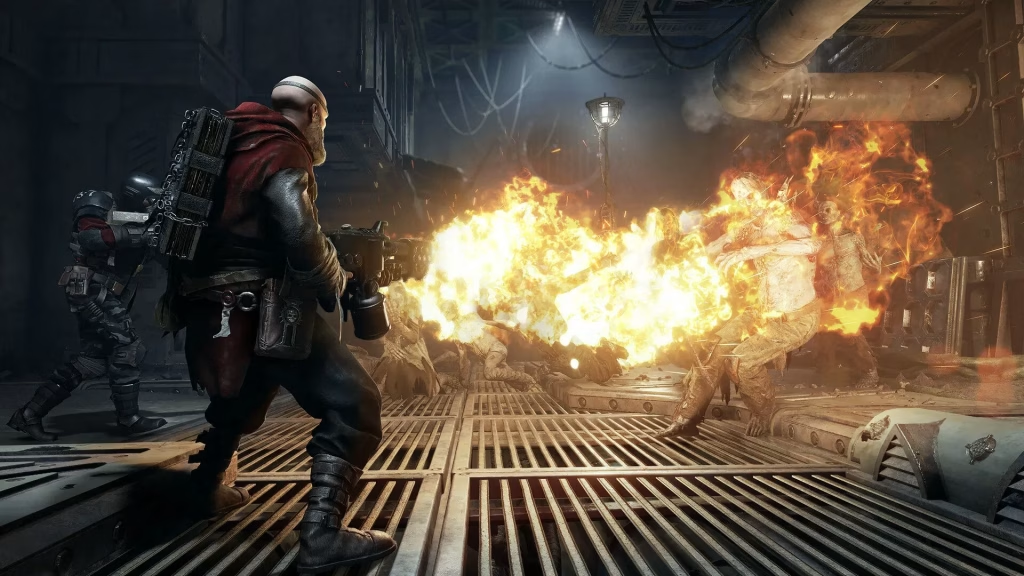
9 Darktide is a cooperative first-person shooter set in the grimdark universe of Warhammer 40,000. Developed by Fatshark, it challenges players to team up and fight hordes of enemies in the hive city of Tertium. Known for its intense combat, immersive atmosphere, and deep customization, Darktide combines tactical gameplay with a rich narrative in a dystopian sci-fi setting. 4 Darktide is a cooperative mission-based game set in the Warhammer universe where you and up to three friends can tackle missions together. It’s similar to Destiny in concept, as there are four classes within the game: Ogryn, Psyker, Veteran, and Zealot, and they all differ in their playstyles.
Tips to Avoid Error 5002 in the Future
- Always keep Darktide updated to the latest version to avoid version mismatch errors.
- Follow @DarktideComms on X and join the official Darktide Discord to stay ahead of any planned maintenance windows.
- Keep your GPU and network drivers up to date, especially after major game patches.
- 7 To stay informed about any upcoming server maintenance, keep an eye on the Steam news section for Darktide. Additionally, joining the official Discord server is a great way to stay up-to-date on the latest updates and maintenance schedules.
Frequently Asked Questions (FAQs)
Q1: What does Error Code 5002 mean in Warhammer 40K Darktide?
5 Encountering Error Code 5002 in Warhammer 40K Darktide typically signifies that server maintenance is underway or that the servers are temporarily down. This is not considered a conventional error, and the best course of action is to await the completion of maintenance by the developers.
Q2: What should I do if Error Code 5002 persists even after the servers are back online?
3 Error 5002 is annoying, but in most cases, it’s either server maintenance or something simple on your end. Always check server status first. If things look good and you’re still getting the error, work through the troubleshooting steps above and you should be back in Tertium in no time




