

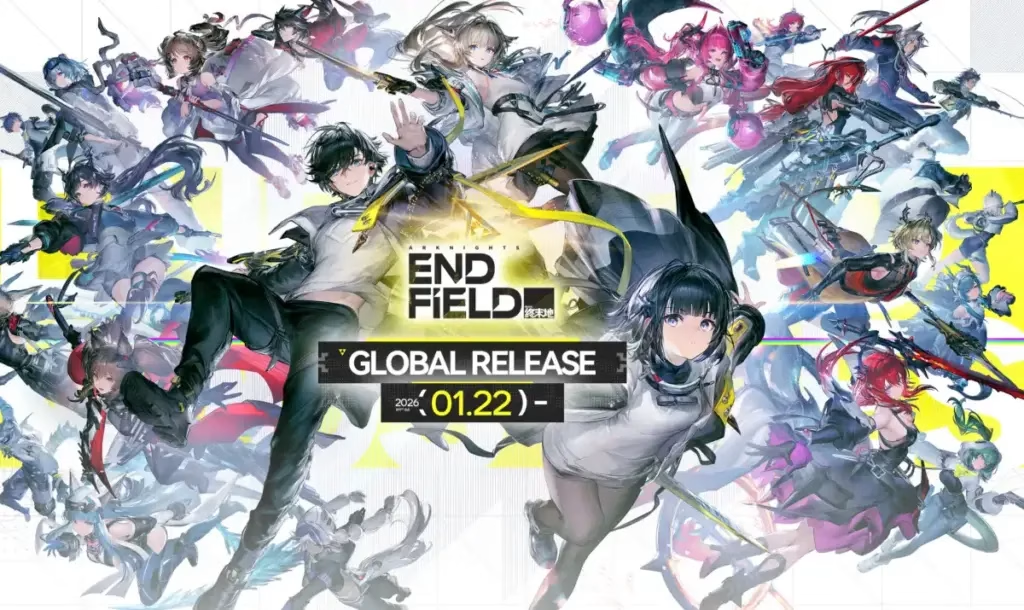
The highly anticipated Arknights: Endfield launches January 22, 2026, but smart players are already preparing. Preload opens January 20, 2026 at 10:00 AM UTC+8, giving you two full days to download the massive game files and be ready the moment servers go live.
Here’s your comple
Table of Contents
Arknights: Endfield Preload Details
| Platform | Preload Date | Download Size | Installation Space |
|---|---|---|---|
| PC (Official Launcher) | Jan 20, 10:00 AM UTC+8 | ~35-60 GB | Requires 105-110 GB total |
| PC (Epic Games) | Jan 20, 10:00 AM UTC+8 | ~35-60 GB | Requires 105-110 GB total |
| PlayStation 5 | Jan 20, 10:00 AM UTC+8 | TBA | Auto-download with pre-order |
| Android | Jan 20, 10:00 AM UTC+8 | ~28 GB | At least 28 GB free space |
| iOS | Jan 20, 10:00 AM UTC+8 | ~28 GB | At least 28 GB free space |
How to Preload on PC
Official GRYPHLINK Launcher:
- Visit the official Arknights: Endfield website
- Download the GRYPHLINK installation pack
- Extract and install the game launcher
- Sign in with your registered account
- Click “All Games” in the bottom-left corner
- Select Arknights: Endfield and start downloading
Epic Games Store:
- Open the Epic Games Store client
- Search for “Arknights: Endfield”
- Click “Get” to add the game to your library
- Once preload opens, click “Install”
- The launcher handles the rest automatically
The PC version requires approximately 110 GB of free space total—35-60 GB for the download and an additional 45 GB for unpacking and installation.
How to Preload on PlayStation 5
- Open the PlayStation Store on your console
- Search for “Arknights: Endfield”
- Find the Pre-Order Bundle and pre-order the game
- Enable auto-download in your PS5 settings
- The game downloads automatically when preload opens
Pro tip: Keep your PS5 in rest mode on January 20th so the download completes even while you’re away.
How to Preload on Mobile (Android & iOS)
Android (Google Play):
- Open Google Play Store
- Search for “Arknights: Endfield”
- Tap “Install” when preload becomes available
- Ensure you have at least 28 GB free space
iOS (App Store):
- Open the App Store
- Search for “Arknights: Endfield”
- Tap “Get” to download
- The game auto-installs when preload opens
Mobile players can also use Android emulators like BlueStacks or MuMu Player for PC gameplay if needed.
System Requirements Quick Check
PC Minimum:
- Processor: Intel Core i5-8400 or equivalent
- Storage: 105-110 GB free space
- RAM: 16 GB
Mobile Minimum:
- Processor: Snapdragon 855 / Dimensity 1000 / Kirin 990
- Storage: 28 GB free space
The game isn’t extremely demanding, but make sure you have enough storage space before attempting to preload.
Launch Day Expectations
After preloading, you won’t be able to play until January 22, 2026 at 11:00 AM UTC+8 when servers officially open. Expect a small day-one patch to fix last-minute bugs, but if you’ve preloaded, you’ll be ready in minutes rather than hours.
For more mobile gaming guides, check out our gacha game tips and strategy RPG recommendations.
Arknights: Endfield is a free-to-play real-time strategy RPG set on the planet Talos-II, featuring 3D combat, base-building, and cross-platform progression across all devices.
Master Honed Bamboo Crafting in LEGO Fortnite NINJAGO
Frequently Asked Questions
Can I play Arknights: Endfield before January 22nd after preloading?
No, even with the game preloaded, servers won’t open until the official launch on January 22, 2026 at 11:00 AM UTC+8.
Do I need to uninstall previous beta versions before preloading?
Yes, if you participated in earlier beta tests, uninstall those older clients before downloading the official release version to avoid conflicts.




