
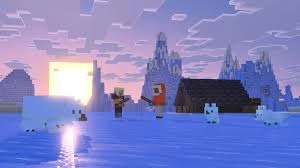
Mojang released Minecraft Bedrock 1.26.10.21 beta and preview on February 3, 2026, introducing the game-changing Golden Dandelion item and adorable new baby mob models. This experimental build lets players test upcoming features before they hit the main game—here’s your complete platform-by-platform download guide.
Table of Contents
Minecraft Download Details by Platform
| Platform | Version Type | How to Access |
|---|---|---|
| Xbox One/Series X|S | Preview | Xbox Game Store or Game Pass Library |
| PlayStation 4/5 | Preview | In-game Preview section |
| Windows 10/11 | Preview | Microsoft Store (Minecraft Preview app) |
| Android | Beta | Google Play Store (Join Beta) |
| iOS/iPadOS | Preview | TestFlight app |
What’s New in Version 1.26.10.21
Golden Dandelion: This revolutionary item stops baby mobs from growing into adults—similar to Pokémon’s Everstone. Feed it to any baby animal to pause their growth permanently, perfect for keeping adorable baby versions of your favorite creatures.
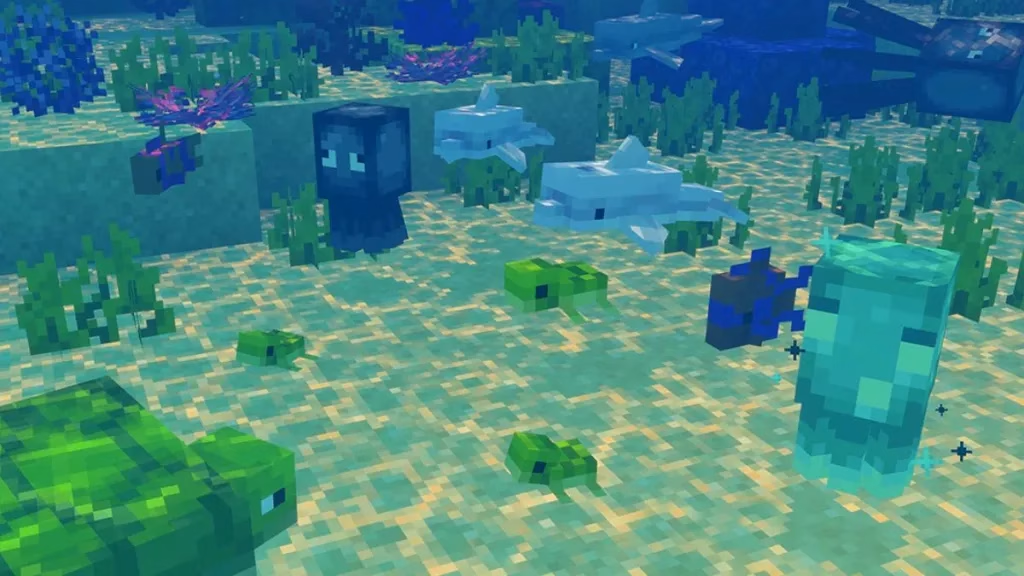
New Baby Mob Models: Updated textures for baby rabbits, mooshrooms, ocelots, sheep, and more bring consistent visual quality across all infant animals.
Bug Fixes: Resolved climbing crashes, Realms tab issues with 150+ joined realms, and text-to-speech problems.
Platform-Specific Download Instructions
Xbox: Navigate to Game Store/Game Pass Library → Search “Minecraft Preview” → Install (~40GB).
PlayStation: Open Minecraft → Left sidebar “Preview” → “Get PlayStation 4/5 Preview” → Download (maintain stable internet).
Windows PC: Microsoft Store auto-queues updates for existing builds. New users download “Minecraft Preview” as separate app from Microsoft Store.
Android: Google Play Store → Minecraft → “Join the Beta” section → Tap “Join” (replaces release version with beta).
iOS/iPadOS: Download TestFlight app → Visit Minecraft Preview TestFlight page → Enroll → Install/Update via TestFlight. Run 1-2 times monthly to retain access.
Key Requirements & Limitations
- Not supported on: Trial versions, inactive Game Pass subscriptions, Nintendo Switch
- Storage needed: Approximately 40-45GB depending on platform
- Internet required: Stable connection for download and to prevent corruption
- Preview builds separate: Your regular Minecraft worlds remain safe—previews use isolated save data
The Golden Dandelion mechanic opens exciting possibilities for builders and decorators who want permanent baby animals in their creations. Meanwhile, the refreshed baby mob models align with Mojang’s ongoing effort to modernize Minecraft’s visual consistency across platforms.
For more Minecraft guides and gaming updates, visit our Minecraft coverage and gaming news section. Check the official Minecraft feedback site for complete technical patch notes.
Frequently Asked Questions
Q: Will the beta replace my main Minecraft game?
No, Minecraft Preview/Beta installs as a separate app (except on Android where it replaces the release version), keeping your regular worlds and progress safe.
Q: Can I play with friends who have the regular Minecraft version?
No, beta/preview builds are incompatible with release versions—you can only play with others running the exact same preview build.




